1
13
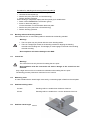
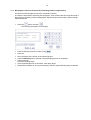
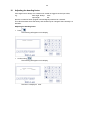
Bending operation sequence
•
•
•
•
•
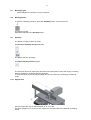
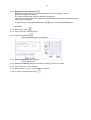
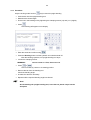
Press the Bending button and hold.
The bar is pre-bent.
The computer interrupts the bending process for a short while and measures bar
springback.
The bar is repeatedly bent until the angle value entered is attained.
Once the bending process is complete, release the Bending button.
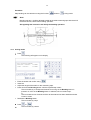
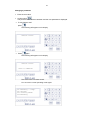
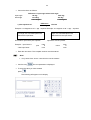
Re-bending bars already bent (compensation)
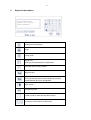
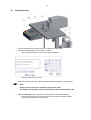
If a bar that has already been bent has to be bent again, enter the required angle and bend
using
.
Example:
- Re-bend 11 degrees
- Bar is already bent to 30 degrees
- Enter 41 degrees