1
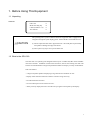
1.7 Safety
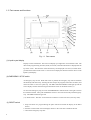
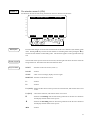
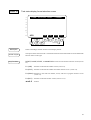
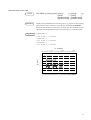
Emergency stop
WARNING
- Before using the OPU-320, please confirm that the emergency stop switch
functions properly.
- Do not hesitate to push the emergency stop switch when you sense danger.
When the emergency stop switch is pushed, the execution of programs stops and robot excitation
ceases. Programs and point data and such will not be damaged.
When pushed, the emergency stop switch mechanically holds that state and electrically holds the
emergency stop state.
Please cancel the emergency stop by following the procedures below when you want to restart
work. You do not have to turn off the equipment to cancel the emergency stop state.
(1) Remove the cause so that you can cancel the emergency stop.
(2) Cancel the mechanical hold by turning the emergency stop switch to the right.
(3) Push the RESET switch.
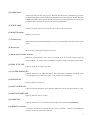
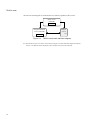
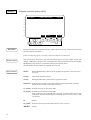
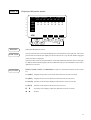
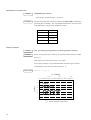
Mode selector switch with key
)
NOTE
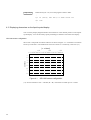
Please do not switch modes while a program is being executed. (In other words, do not turn the
key.) The program stops if you switch modes while the program is being executed.
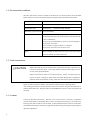
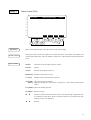
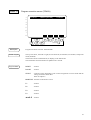
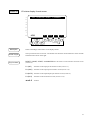
Motor power status display (For controller SRC-310A or SRC-320 only)
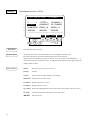
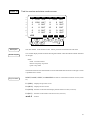
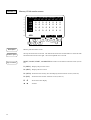
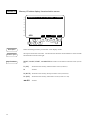
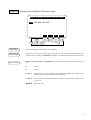
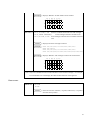
If the controller is SRC-310A or SRC-320, OPU-320 always displays the motor power status
except for the setting of user mode.
)
NOTE
Motor power status is not displayed when the controller is SRC-300 or SRC-310.
L : Low power mode
H : High power mode
Refer to "4.2 Safety door input functions" of controller manual for state transition of motor
power.
5