1
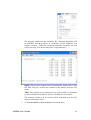
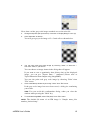
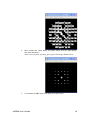
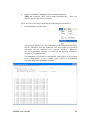
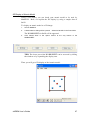
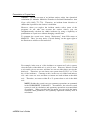
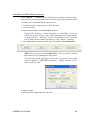
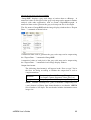
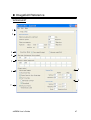
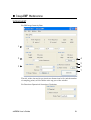
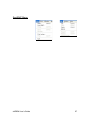
Under the regular setting the model is displayed as a projection along c-axis.
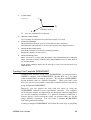
The direction of projection is easily changed by selecting “a, b or c” in the
tool bar.
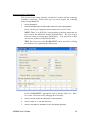
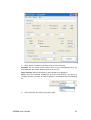
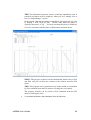
TIPS: Tools in the tool bar (left to right): Rotation, Back and forth
movement, In-plane movement, Projection directions, Perspective
control.
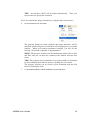
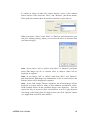
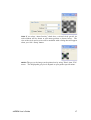
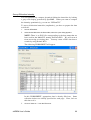
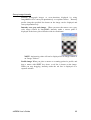
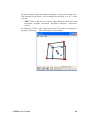
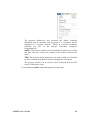
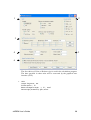
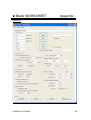
By adjusting a slider of the “Projection control” the model is displayed in
perspective drawing. The following show an example.
xHREM User’s Guide
28