1
Appendix A
Intelligent 6-Channel Audio
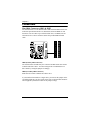
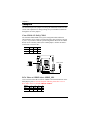
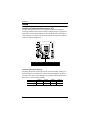
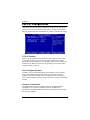
Enabling Smart 5.1 Intelligent 6 Channel Audio
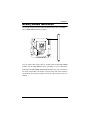
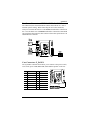
Smart5.1 allows the user to output 6 channel audio directly from the audio
jacks on the mainboard, using the traditional line-in and microphone jacks as
output jacks. For it to work properly, both the OS and the software application used need to support 6 channel audio. Win98 supports 4 channel
only.Please follow the example A and B to enable the Smart 5.1 funtion, and
the examples are based on Windows XP. Start the settings in Control Panel
of your computer.
Example A
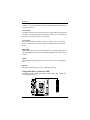
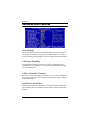
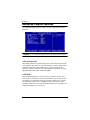
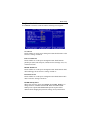
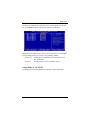
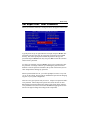
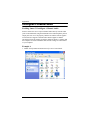
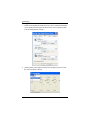
1. Double click [Sounds and Audio Devices] icon in Control Panel.
A-2