1
s0010_e_00_unified.book Page 85 Monday, April 9, 2007 6:12 PM
6 Printing
Print reservation (DPOF)
Print reservation
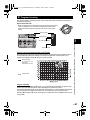
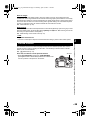
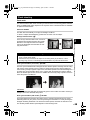
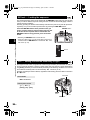
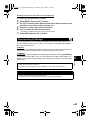
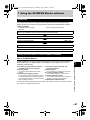
Print reservation allows you to save printing data (the number of prints and the date/time
information) with the pictures stored on the card.
Insert the card that contains the recorded pictures into the camera.
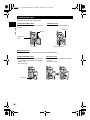
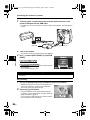
Pictures set with print reservation can be printed using the following methods.
Printing using a DPOF-compatible photo lab
You can print the pictures using the print reservation data.
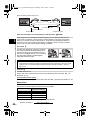
Printing using a DPOF-compatible printer
Pictures can be printed directly from a dedicated printer without using a PC. For more
details, refer to the printer’s manual. A PC card adapter may also be necessary.
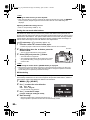
x Notes
• DPOF reservations set by another device cannot be changed by this camera. Make changes
using the original device. Moreover, setting new DPOF reservations using this camera will
erase the previous reservations set by another device.
• Not all functions may be available on all printers or at all photo labs.
• RAW data are not printable.
6
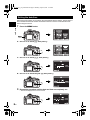
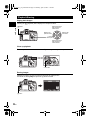
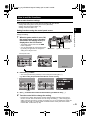
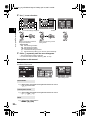
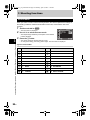
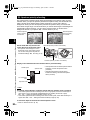
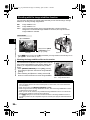
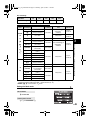
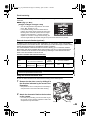
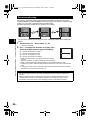
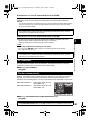
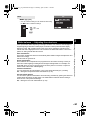
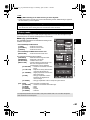
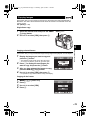
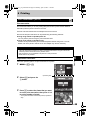
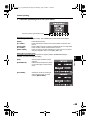
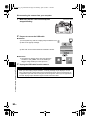
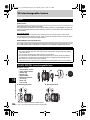
Single-frame reservation
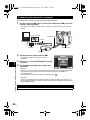
1
MENU[q][<]
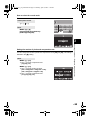
2
Select [<] and press the
i button.
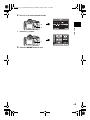
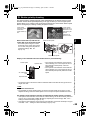
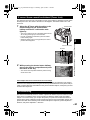
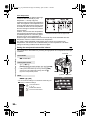
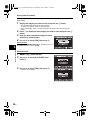
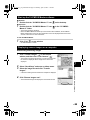
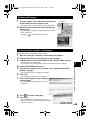
3
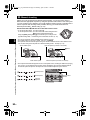
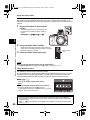
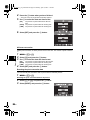
Press bd to select the frame that you want
to set as print reservation, then press ca
to set the number of prints.
Printing
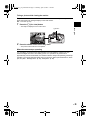
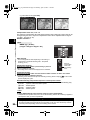
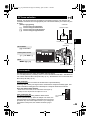
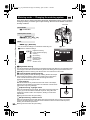
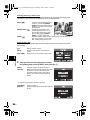
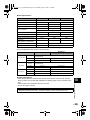
Follow the operation guide to set print reservation for a picture.
Operation guide
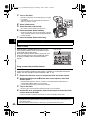
• To set print reservation for several pictures, repeat this
step.
EN
85