1
General information
Data download
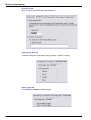
Logged channel data can be downloaded from the flow meter or sampler to Flo-Center
and includes:
•
Site location
•
Settings summary
•
Logged events
•
Sample history
•
Channel attributes
•
Current status
•
The remote programming template
The download can include all logged data or only data logged since the last download.
Flo-Center stores the data in site files and in the database, if desired.
2.4 Analysis and reporting
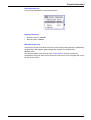
Scheduled download and report generation
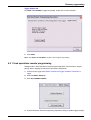
The Flo-Center application allows scheduled data downloads. Each site can be
scheduled with multiple download times. Report generation can also be scheduled to run
after successful data download.
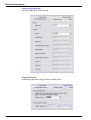
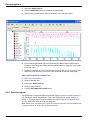
Graphs and tabular reports
Graphs or tabular reports are used to publish, archive or export data to other analysis
applications. Predefined graphs and report templates can be customized by the user.
2.5 Flo-Center view options
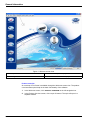
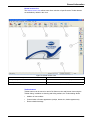
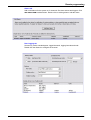
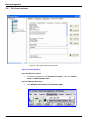
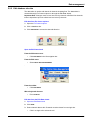
Flo-Center has two graphical interface views: Welcome screen and Normal screen. The
Welcome view is the default option after initial installation, and offers a product overview
for new users. Users with prior experience using InSight or Vision software may prefer to
work with the Normal view.
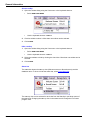
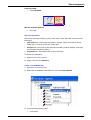
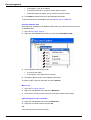
There is no functional difference between the views. Views are toggled from the View
menu, by the status bar menu at the bottom of the screen (Welcome screen view or
Normal screen view) or by keyboard shortcut.
View>Welcome Screen
6