1
SECTION 5: INFUSION MODES (VOLUMEITIME MODE) CONTINUED...
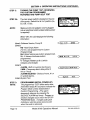
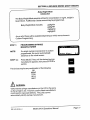
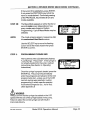
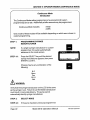
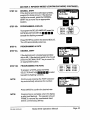
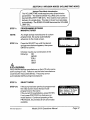
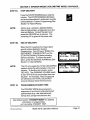
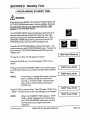
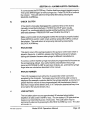
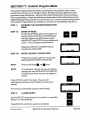
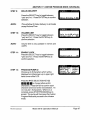
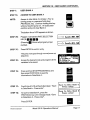
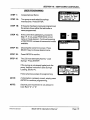
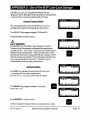
PROGRAMMING DOSE VOLUME (DV)
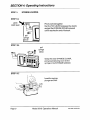
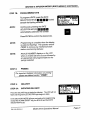
STEP 4:
Press the appropriate RATE SELECTION
KEY(S) E E
to program a DOSE
VOLUME (DV).
q q
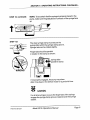
NOTE:
Continuously pressing the RATE
SELECTION KEY(S) E E 0
automatically advances the number.
NOTE:
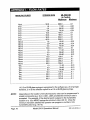
The pump may be programmed to deliver a
volume of 0.05 ml with the stipulation that the
calculated rate must be equal to or greater
than the minimum allowable rate for the
chosen syringe size.
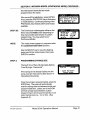
Dose u01 .=ee .ee ml
q
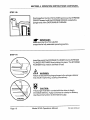
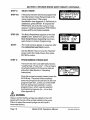
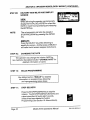
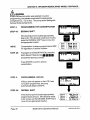
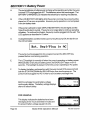
Press ENTER to confirm the desired DV. The
LCD automatically advances.
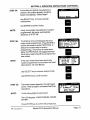
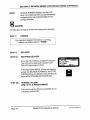
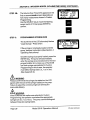
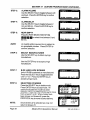
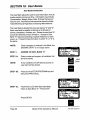
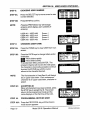
STEP 5:
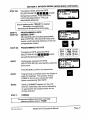
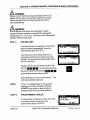
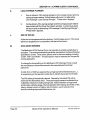
PROGRAMMING DELIVERY TIME (DT)
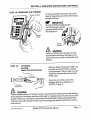
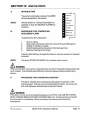
Press the appropriate RATE SELECTION
KEY(S) E
to program a delivery
time (DT) in Hours:Minutes.
q q q
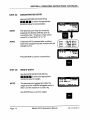
NOTE:
Continuously pressing the RATE selection
key automatically advances the number.
NOTE:
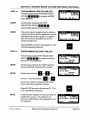
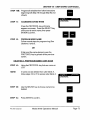
Entriesdone with the e ore will
DWl5.eeml
will move in single minutes and roll over to
hours when they exceed 60 minutes.
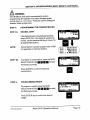
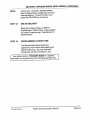
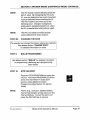
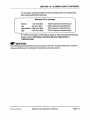
Press ENTER to confirm the desired DT. The
LCD automatically advances.
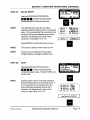
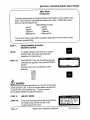
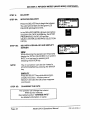
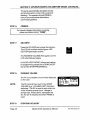
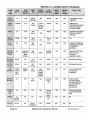
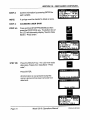
NOTE:
Invalid Number displays on the LCD when an
invalid entry occurs. The maximum (or
minimum) valid infusion time appears for the
D V selected.
P/N 9-61-2OlOi-O-l
Model 20 1 Oi Operations Manual
Page 39