1
SpikeMark User Manual
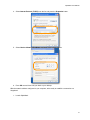
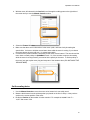
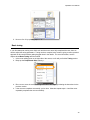
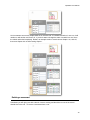
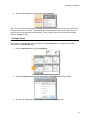
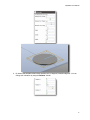
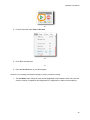
5. Repeat the process for Cue 1, but enter a Position value of 0.
Run the cues
With the two cues written, letʼs try running the motor.
Depending on your motor system, the cues may or may not work well at this point. Weʼre going to run the
cues with the default motor tuning parameters and hope for the best. If the default tuning isnʼt good
enough, the motor wonʼt complete the cue, it will just sit there struggling at very low speed to complete
the cue. Donʼt worry if your cue doesnʼt run well yet, weʼll fix it with motor tuning in the next section.
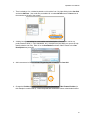
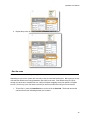
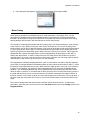
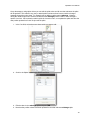
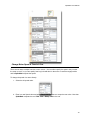
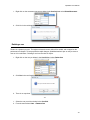
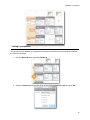
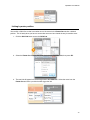
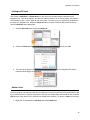
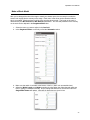
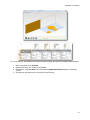
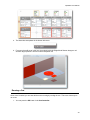
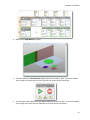
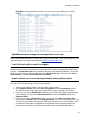
1. To load Cue 1, press the Load Cue button on the cue in the Cue Grid. The border around the
cue box will turn red, indicating that the cue is loaded.
20