1
11
BOOM! by ENVISION User Manual
TM
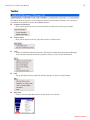
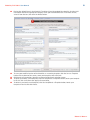
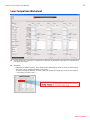
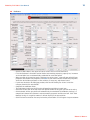
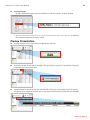
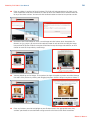
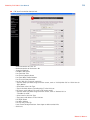
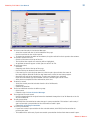
•If you are comparing fewer than three loans, check the disable box at the top of the loans you
are not using.
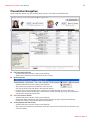
• Click Calculate. All the gray boxes will automatically be calculated.
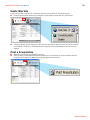
•Click Preview Presentation to view the presentation as it will appear to your customer.
■
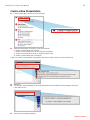
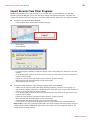
Selecting/Creating Custom Loan Programs
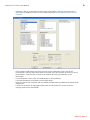
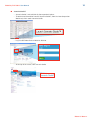
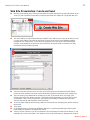
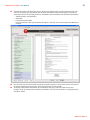
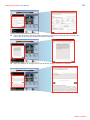
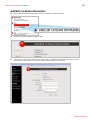
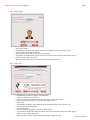
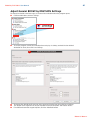
•In the Custom Loan Products section, select <Click Here to Add New Products>, enter the name
of the new loan product (Note: custom loan products cannot have identical names to existing
loan products; i.e., a custom 30 Year Fixed Loan would need to be abbreviated to 30 Yr. fixed).
The name you choose will appear in the presentation.
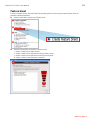
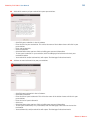
•When you have named your new loan product, click Save. Select the loan from the Custom Loan
Products window.
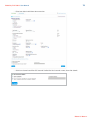
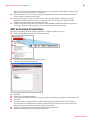
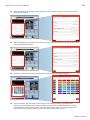
• Click Select.
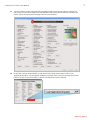
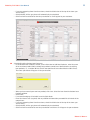
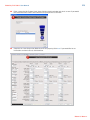
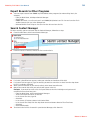
• If no second mortgage is included, leave the fields blank.
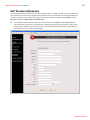
• Enter the interest rate (required) and any additional information you would like to include in the
comparisons.
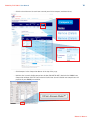
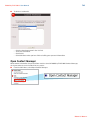
• If you are comparing fewer than three loans, check the disable box at the top of the loans you
are not using.
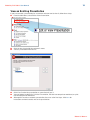
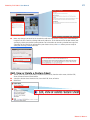
• Click Calculate. All the gray boxes will automatically be calculated.
• Click Preview Presentation to save the presentation and view as it will appear to your customer.
Return to Menu >>