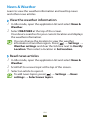
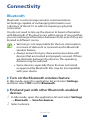
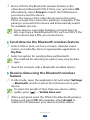
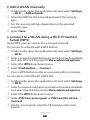
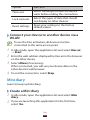
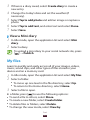
1
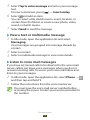
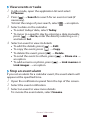
2 Select an option for sending data via a WLAN.
The method for selecting an option may vary by data
type.
3 Search for and select a WLAN device.
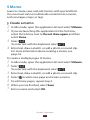
››Receive data via a WLAN
When you receive data, it is saved to your device
automatically. Received data is saved to the ShareViaWifi
folder.
AllShare
Learn to use the Digital Living Network Alliance (DLNA)
service that enables you to share media files between DLNAenabled devices in your home over a WLAN.
●● The supported file formats may vary depending on
the software of the device.
●● Some files may not play on the DLNA- enabled
devices depending on the devices.
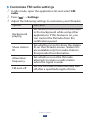
››Customise DLNA settings for sharing media
files
To allow other DLNA-enabled devices to access media files on
your device, you must activate media sharing.
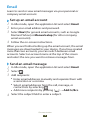
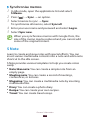
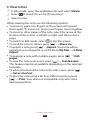
1 In Idle mode, open the application list and select AllShare.
2 Press [ ] → Settings.
Connectivity
140