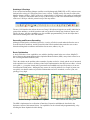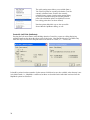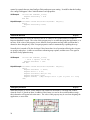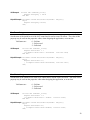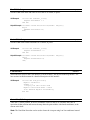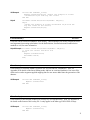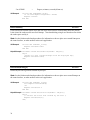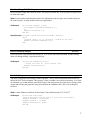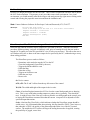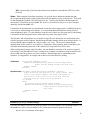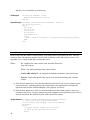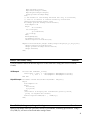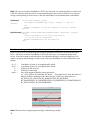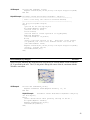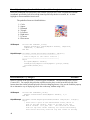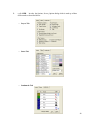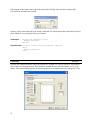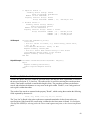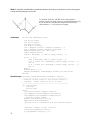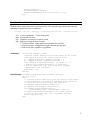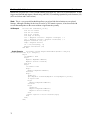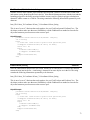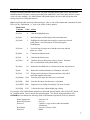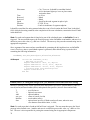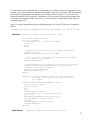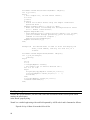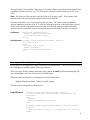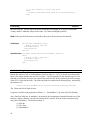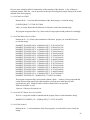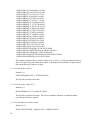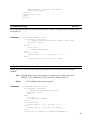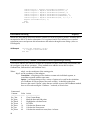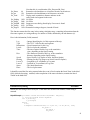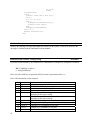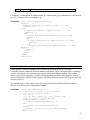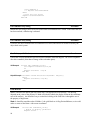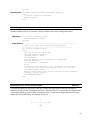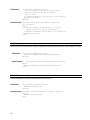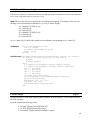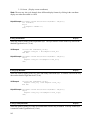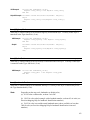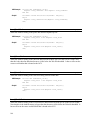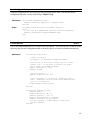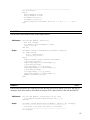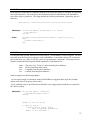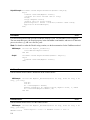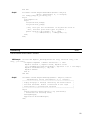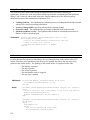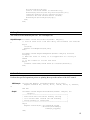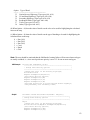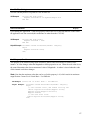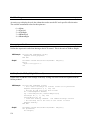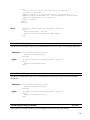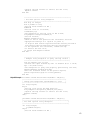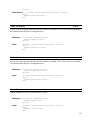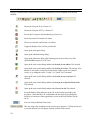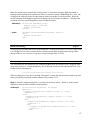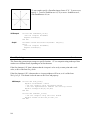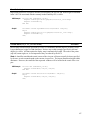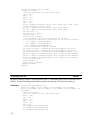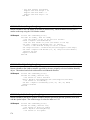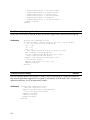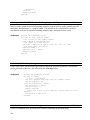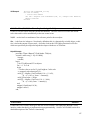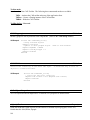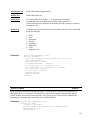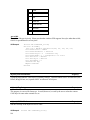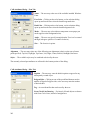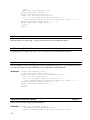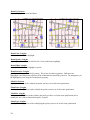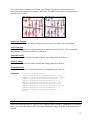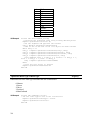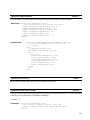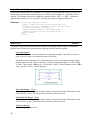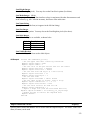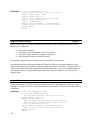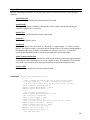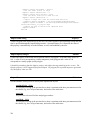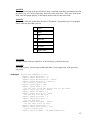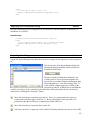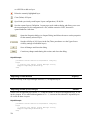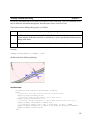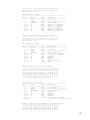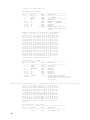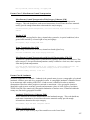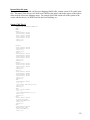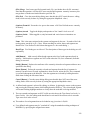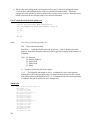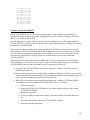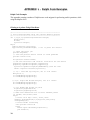
1
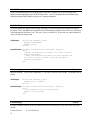
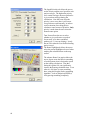
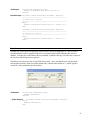
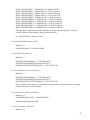
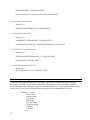
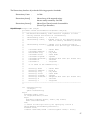
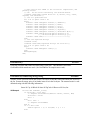
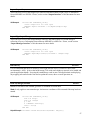
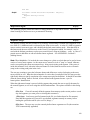
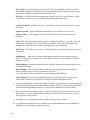
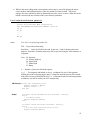
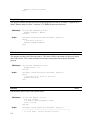
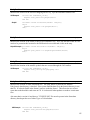
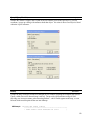
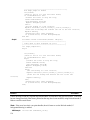
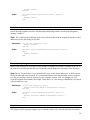
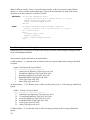
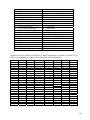
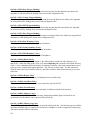
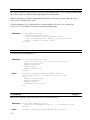
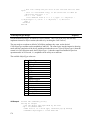
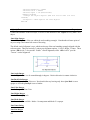
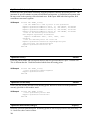
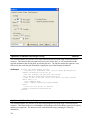
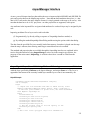
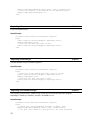
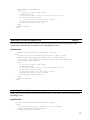
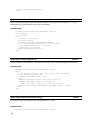
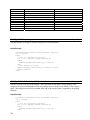
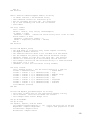
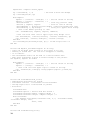
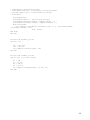
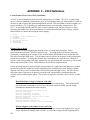
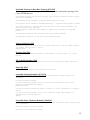
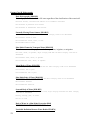
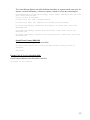
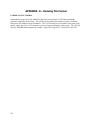
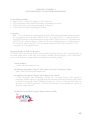
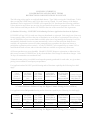
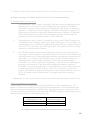
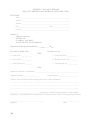
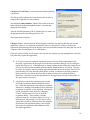
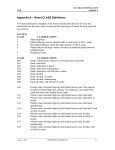
2 – Horizontal
3 – Vertical
4 – Left Dash
5 – Right Dash
6 – Cross
7 – Diagonal Cross
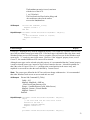
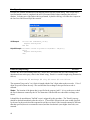
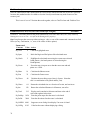
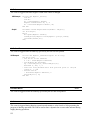
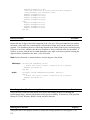
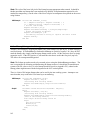
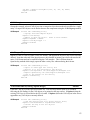
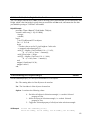
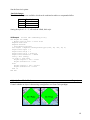
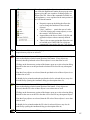
.brush.Visible
Sets the Visibility of the brush.
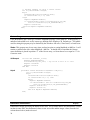
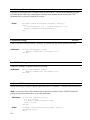
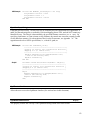
VB Example
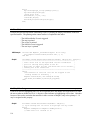
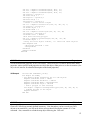
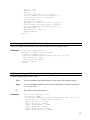
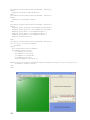
Private Sub Command126_Click()
' Set the Upper and Lower visibility thresholds
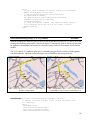
MapPro1.Import.Upper = 5000
MapPro1.Import.Lower = 5
' Set brush color (this would be the fill color)
MapPro1.Import.Brush.Color = vbYellow
' Set pen color (for polygon outline)
MapPro1.Import.Pen.Color = vbBlue
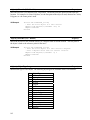
' Set hatch style
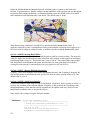
MapPro1.Import.Brush.Style = 4
' setting MapPro1.Import.Brush.Visible = False would
' only print the polygon outline
' Import a shape file (and the associated DBF file)
MapPro1.Import.FileName = "D:\country_col_region.shp"
' Redraw the map to reflect the imported data
MapPro1.Redraw
End Sub
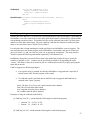
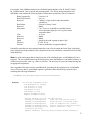
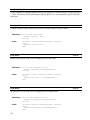
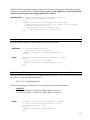
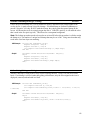
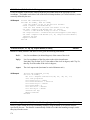
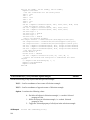
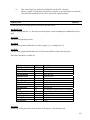
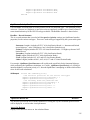
.Import.Count:Integer
Property
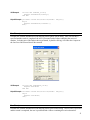
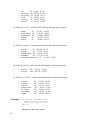
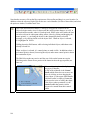
The number of objects in the imported file.
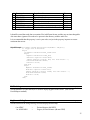
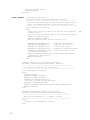
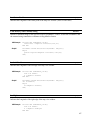
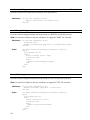
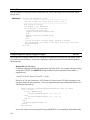
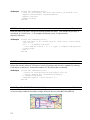
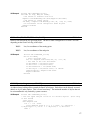
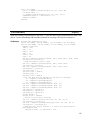
Delphi Example
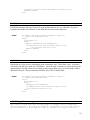
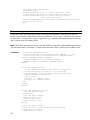
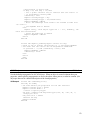
procedure TForm1.Button16Click(Sender: TObject);
var i,j,n:integer;
begin
// Cycle through the imported layers and show # of objects
If Mappro1.ImportMgr.Count > 0 then
begin
for i:=1 to Mappro1.ImportMgr.Count do
begin
listbox2.items.add('No. '+inttostr(i)+
'L: ' + Mappro1.ImportMgr.items[i-1].name+
'F. ' + Mappro1.ImportMgr.items[i-1].FileName+
' #. '+ inttostr(Mappro1.ImportMgr.items[i-1].count));
end;
end else label1.caption:='No Layers have been imported';
end;
221