1
3-2 PLAYBACK Mode
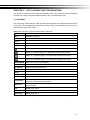
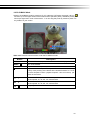
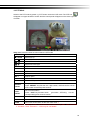
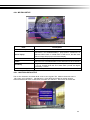
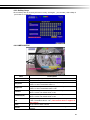
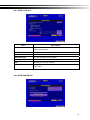
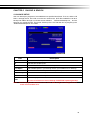
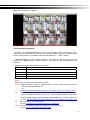
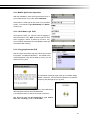
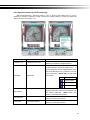
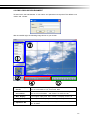
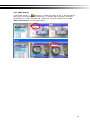
Switch to PLAYBACK mode by pressi ng “PLAY” under the LIVE mode, the graphi cal icon
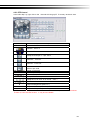
will show up on the upper center of the screen and the operation panel ( see below picture) will
show up at right lower corner of the screen. Y ou can drag the p anel by mouse to place it on
any location of your screen.
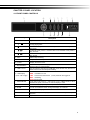
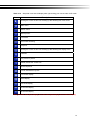
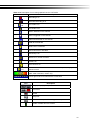
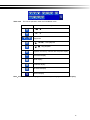
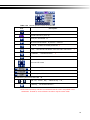
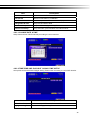
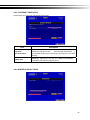
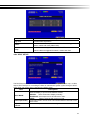
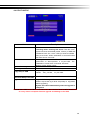
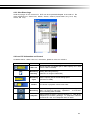
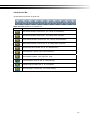
Table 3-2.1 Remote control functions under the PLAYBACK mode
Button
Description
ENTER / MODE
Switch to full screen, quad, 9-channel or 16-channel display.
MENU /
Turn on/off PAUSE.
PLAY
Play back at normal speed.
/ SLOW
Play back at slower speed. The speed will be slowed to 1/2, 1/4, 1/8,
1/16 by each pressing of the button till the slowest limitation of 1/16 of
the norm al speed. Curren t playbac k speed i s sho wn in the up per
center of the screen.
/
Fast rewind. Each press increases the speed to the next level. There
are six speeds: 2x, 4X, 8X, 16x, 32X and 64X.
/
Fast forward. Each press increases the speed to the next level. There
are six speeds: 2x, 4X, 8X, 16x, 32X and 64X.
/
Stop playback.
16