1
ScanFile User Guide
Using the Connector
Enable Scan to ScanFile
The ScanFile Connector can be enabled or disabled with this option. If the
Connector is enabled, the Send to ScanFile button will be available on the
ScanStation. If disabled, the button will not be shown.
Using the Connector
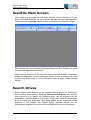
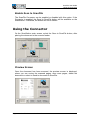
On the ScanStation main screen, select the Scan to ScanFile button, after
placing the document in the scanner feeder.
Preview Screen
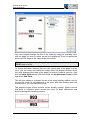
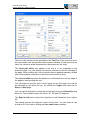
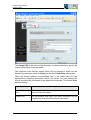
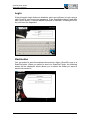
Once the document has been scanned, the preview screen is displayed,
where you can review the scanned pages, scan more pages, delete the
document or select to Send to document to ScanFile.
Page 364 • ScanFile Connector for ShareScan