1
CRADLEPOINT MBR95 | USER MANUAL Firmware ver. 3.6.3
4.3 Quick Links
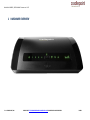
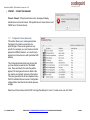
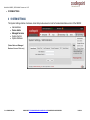
The CradlePoint logo in the upper left-hand corner of all the administration pages is a link to
the Router Console (Status → Router Console), which displays fundamental information
about the router.
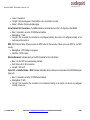
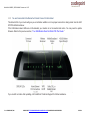
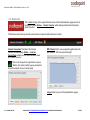
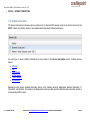
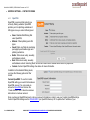
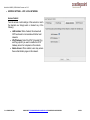
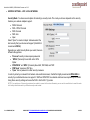
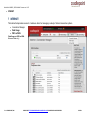
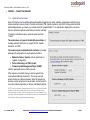
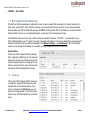
The black bar across the top provides quick access to important information and controls.
Internet Connection This links to the Internet
Connections Status page (Status → Internet
Connections) where you can view information about
your Internet sources.
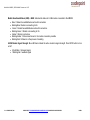
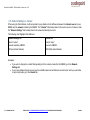
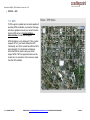
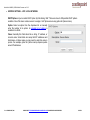
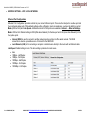
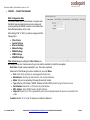
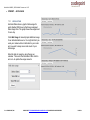
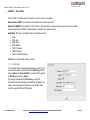
WiFi Clients Click to view a signal strength indicator for
your network, “WiFi Connection Strength”.
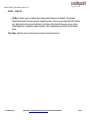
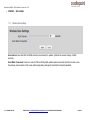
Click on the image of four signal bars to open a
“Modem Connection Quality” popup window that
shows the strength of your Internet signal.
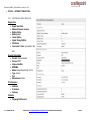
Logout Click to log out of the administration pages.
© 2011 CRADLEPOINT, INC.
PLEASE VISIT HTTP://KNOWLEDGEBASE.CRADLEPOINT.COM/ FOR MORE HELP AND RESOURCES
PAGE 26