1
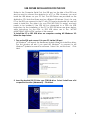
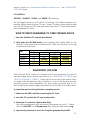
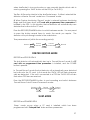
To install the PC to SD2 USB driver on computers running Windows7:
1. Turn on the SD2 and connect it to your PC via the USB port.
If the ‘Install hardware wizard’ does not automatically appear then you will
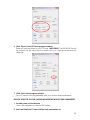
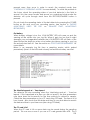
need to locate the device via ‘Device Manager’. Click Start menu Control Panel Hardware and Sound, then click on the ‘Device
Manager’ link under the ‘Devices and Printers’ heading. Right-click on the
AnaBat SD2 device and select ‘Update Driver’
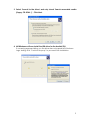
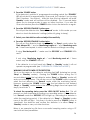
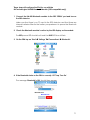
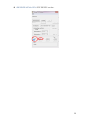
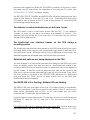
In the Update Diver Software window select ‘Browse my computer for
driver software’.
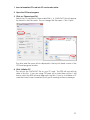
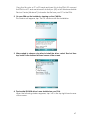
2. Insert the AnaBat SD2 CD into your CDROM drive.
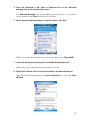
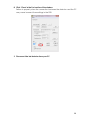
Click ‘Browse’ and select the USB Driver folder on the CD where the USB
Drive is located. Click ‘Next’
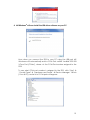
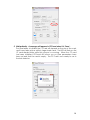
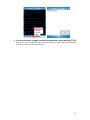
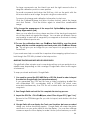
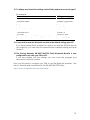
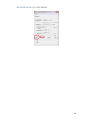
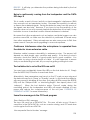
3. A security window will appear stating ‘Windows can’t verify the publisher
of this driver software’. Choose ‘Install this driver software anyway’.
11