1
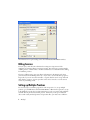
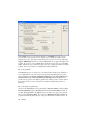
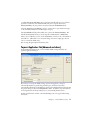
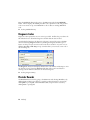
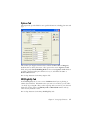
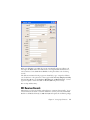
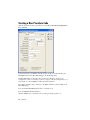
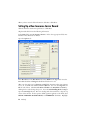
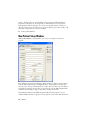
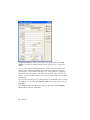
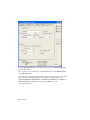
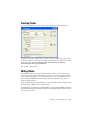
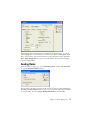
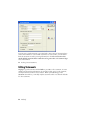
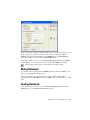
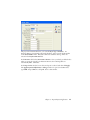
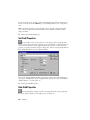
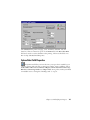
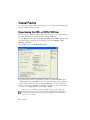
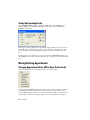
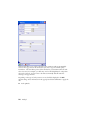
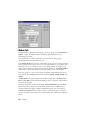
The Auto Log Off check box is designed to protect your data files from unauthorized
tampering. Click the check box and then enter a number of minutes (up to 59) in the
data box. If you click this box and have not utilized the Security Setup feature in the
program, a message pops up telling you that security has to be set up before the backup
will function. Click OK to clear the message. See Security Setup for information on
setting up security for the program.
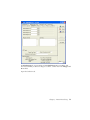
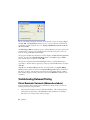
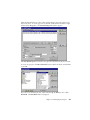
With Auto Log Off activated, any time the program remains unused for the amount of
time designated, it minimizes to a User Login window which requires reentry of the
user’s password in order to access the program again. You can also click Close Program
to turn the program off completely.
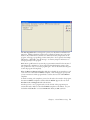
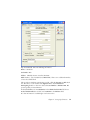
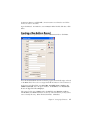
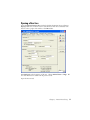
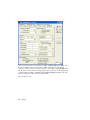
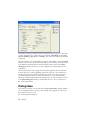
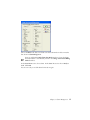
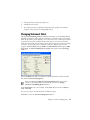
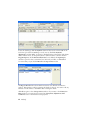
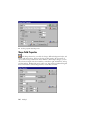
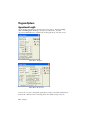
When the Warn on Unapproved Codes check box is checked, the program alerts you if
a code entered or selected is non-HIPAA compliant. This warning pops up every time
you save transactions and the program finds a code that has not been marked HIPAA
compliant.
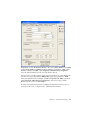
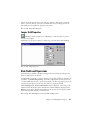
To mark an existing code compliant, you need to edit each code entered in the program,
determine its HIPAA compliance and then click the HIPAA Approved box (in both
Procedure Code and Diagnosis Code edit windows).
Another option is to use a program such as Codes on Disk. This program imports
current CPT and/or ICD-9 codes with all HIPAA-compliant codes marked. See your
local Value-Added Reseller or contact NDCHealth directly at (800) 333-4747.
Chapter 3: General Practice Setup
13