1
ioLogik Active Cellular Micro Controller
Getting Started
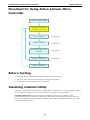
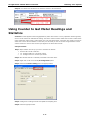
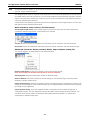
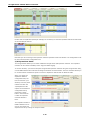
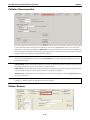
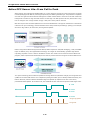
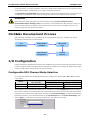
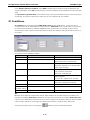
Flowchart for Using Active Cellular Micro
Controller
Install the ioAdmin Utility
Test Active Cellular Micro
Controller in Your Lag
Plan Your System
See Chapter 3
Install the Software
See Chapter 4
Set up Active Cellular Micro
Controller
Program Click&Go Rules
See Chapter 4
See Chapter 5
Deploy to Field Sites
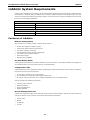
Before Testing
You should prepare the following before you start testing the ioLogik W5300.
1. Set up the Active OPC server environment, including network settings.
2. Install ioAdmin on the same PC as Active OPC server.
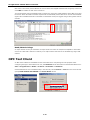
Installing ioAdmin Utility
ioAdmin is a Windows utility provided for the configuration and management of the ioLogik W5300. ioAdmin
can be used from anywhere on the network to monitor and configure the ioLogik W5300.
Installing from the CD: Insert the Document and Software CD into the host computer. In the
Software\ioAdmin directory of the CD, locate and run SETUP.EXE. The installation program will guide you
through the installation process and install the ioAdmin utility. After the installation is finished, run ioAdmin
from the Windows Start menu.
2-2