1
Operation | Logging
8.11
Logging
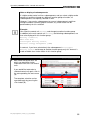
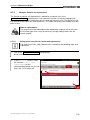
Logging serves the purpose of providing first level support for initial analysis in the event of a
fault.
The diagnostic application supports two different logging modes for first level support:
•
Basic logging (default)
•
Extended logging
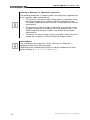
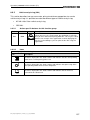
With extended logging, more comprehensive information is stored in the log files as required
for more detailed fault analysis.
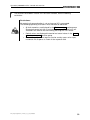
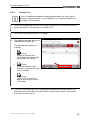
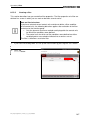
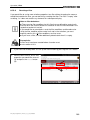
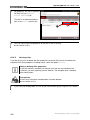
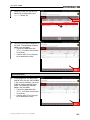
This section describes how you can activate and deactivate extended logging.
8.11.1.1
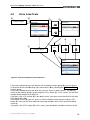
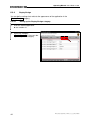
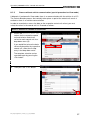
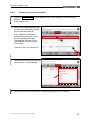
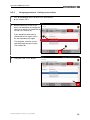
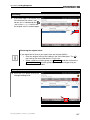
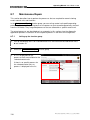
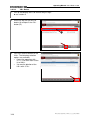
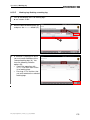
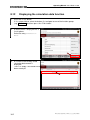
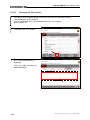
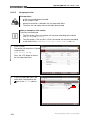
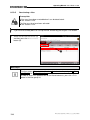
Logging: Displaying the log function
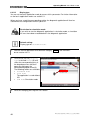
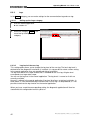
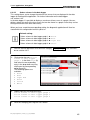
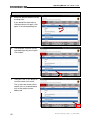
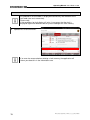
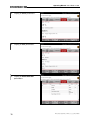
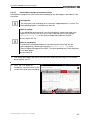
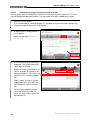
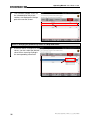
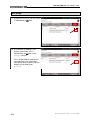
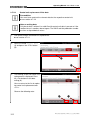
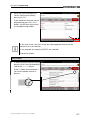
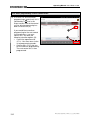
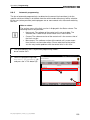
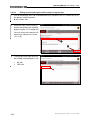
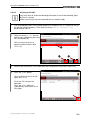
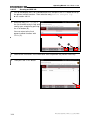
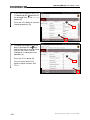
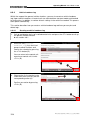
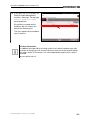
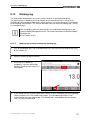
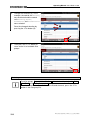
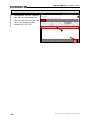
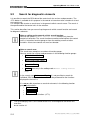
1. Press the <F10> button.
If it is not possible to select the button, first navigate to one of the function groups
(e.g. Overview) and then press the <F10> button.
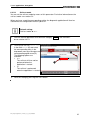
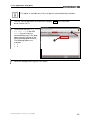
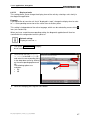
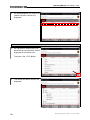
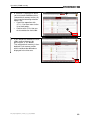
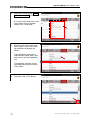
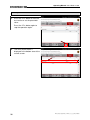
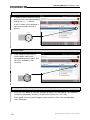
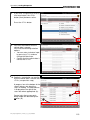
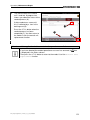
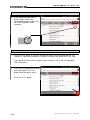
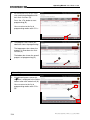
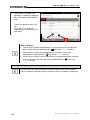
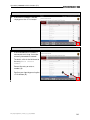
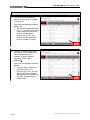
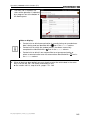
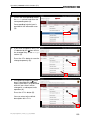
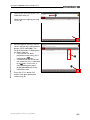
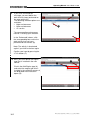
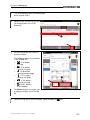
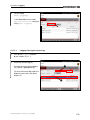
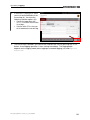
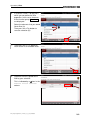
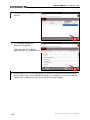
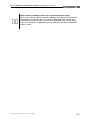
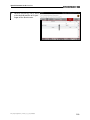
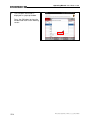
2. A button menu is displayed with a
list of options.
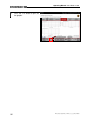
Select the entry Logging.
PAG_Diagnoseapplikation_V-Modus_v3_0_0_BD_D290608
177