1
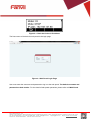
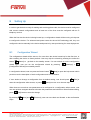
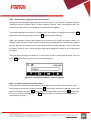
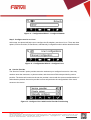
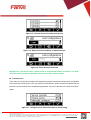
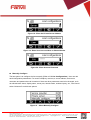
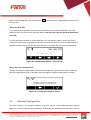
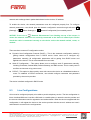
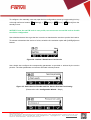
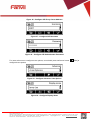
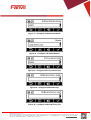
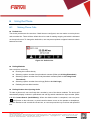
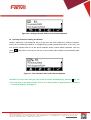
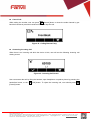
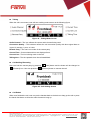
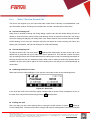
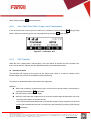
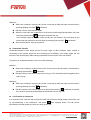
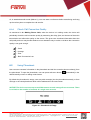
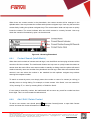
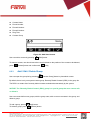
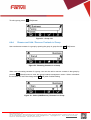
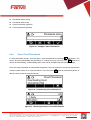
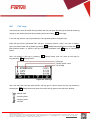
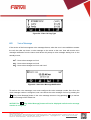
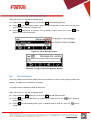
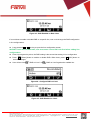
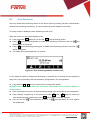
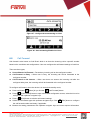
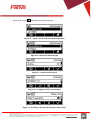
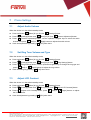
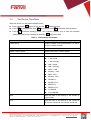
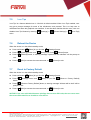
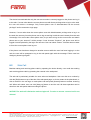
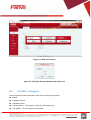
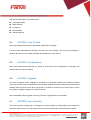
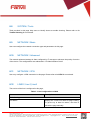
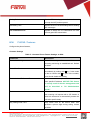
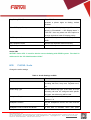
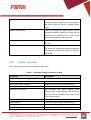
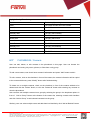
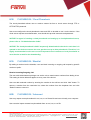
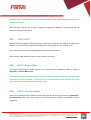
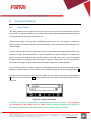
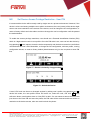
<文档标题> Figure 67 - Configure Auto-answering on Line1 Figure 68 - Auto-answering Enabled on Line2 6.8 Call Forward Call forward is also known as ‘Call Divert’ which is to divert the incoming call to a specific number based on the conditions and configurations. User can configure the call forward settings of each line. There are three types, Unconditional Call Forward – Forward any incoming call to the configured number. Call Forward on Busy – When user is busy, the incoming call will be forwarded to the configured number. Call Forward on No Answer – When user does not answer the incoming call after the configured delay time, the incoming call will be forwarded to the configured number. To configure call forward, when the device is in the default standby mode, Press soft-button Press [Call Forward] button to open call forward configuration screen, select the line to be configured with up/down navigator keys. Press Select the call forward type with up/down navigator keys. Click the call forward number and delay, if applicable. Browse the setting parameters with up/down navigator keys and enter required information. [More] till you find the [Call Forward] button. [Edit] button to edit the call forward settings. [Edit] button to configure Fanvil Technology Co., Ltd HQ Add: Level 3, Block A, Gaoxinqi Building, Anhua Industrial Park, Qianjin 1 Road, 35th District, Bao'An, Shenzhen, 518101 P.R. China Tel: +86-755-2640-2199 Fax: +86-755-2640-2618 Email: sales@fanvil.com support@fanvil.com Beijing Tel:+86-10-5753-6809 Suzhou Tel: +86-512-6592-0605 SEA Tel: +60-3-512-21997