1
CHAPTER 3
The Digital Light Menu System
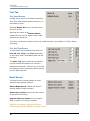
Lens Type Options
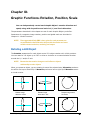
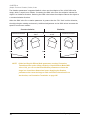
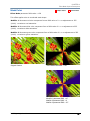
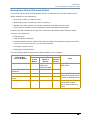
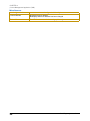
There are three accessory lenses available for the DLHD Digital Light. The default setting for the
Lens Type field is Standard. When you install a Long throw, an Ultra Long throw, or a Wide
Angle lens, you will need to select that lens type to configure your system.
NOTE: The Lens Type field is not active if you are operating this version of
the software on a DL.2 fixture.
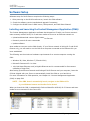
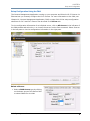
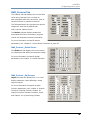
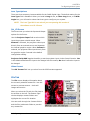
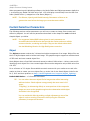
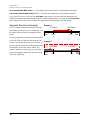
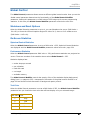
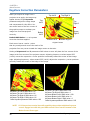
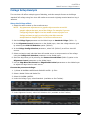
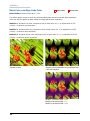
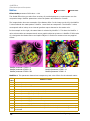
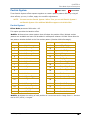
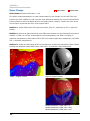
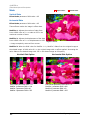
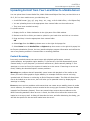
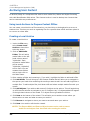
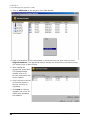
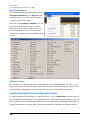
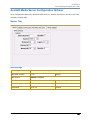
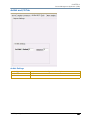
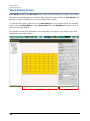
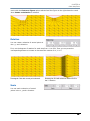
Set_I/O Screen
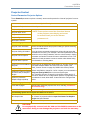
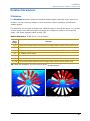
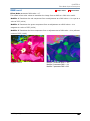
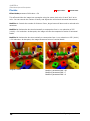
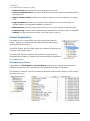
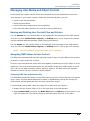
This screen lets you select the Input and Output
options for the fixture.
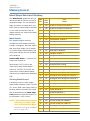
Use the Projector Input field to select which
input the projector should accept. When
External is selected, the projector takes input
directly from an external source and bypasses
the internal graphics engine. When Internal is
selected, the projector takes input directly from
the graphics engine. Internal is the default
configuration setting.
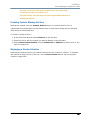
Projector In By DMX toggles the ability to set the projector input via the Control Console. Yes
is the default and allows the input to be changed via the console, No doesn't allow the input to
be changed.
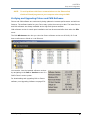
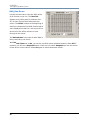
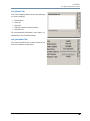
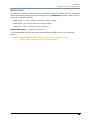
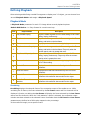
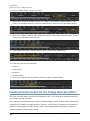
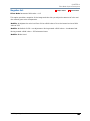
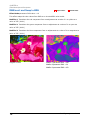
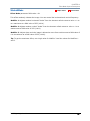
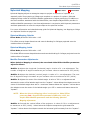
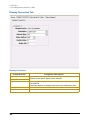
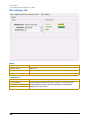
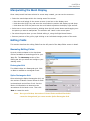
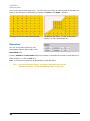
Video Format
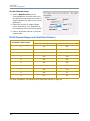
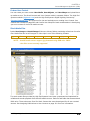
The SDI Format field lets you select from the SDI formats supported.
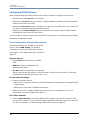
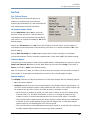
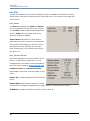
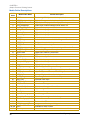
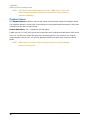
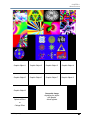
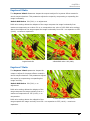
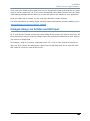
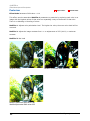
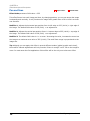
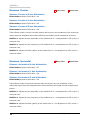
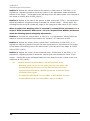
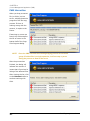
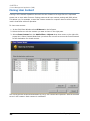
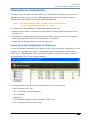
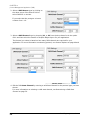
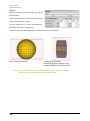
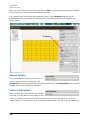
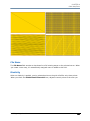
File Tab
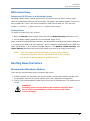
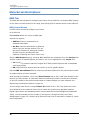
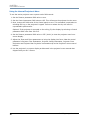
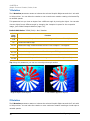
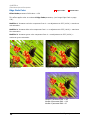
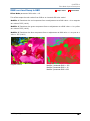
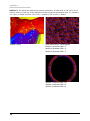
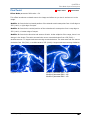
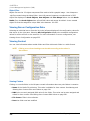
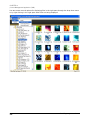
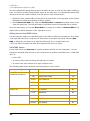
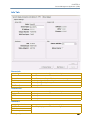
The File screen displays information about
the currently selected content file. Use this
screen to preview content — both still
images and movies.
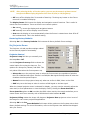
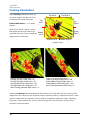
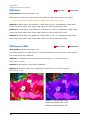
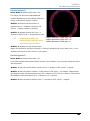
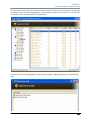
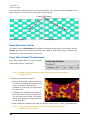
When you select the File tab, the file plays in
the window to the left. The bottom right
window displays content folders and
highlights the current file location.
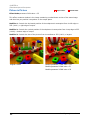
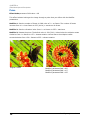
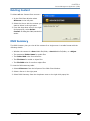
You can scroll through the Content folders
and the files inside each folder to preview
any content file.
DLHD Digital Light User Manual
33