1
PSpice Reference Guide
Before you begin
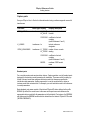
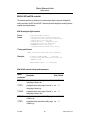
Simulation command line specification format
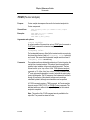
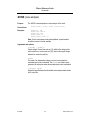
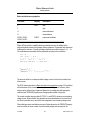
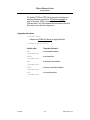
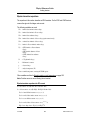
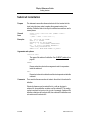
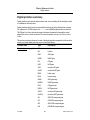
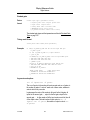
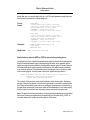
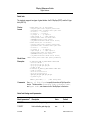
The format for specifying command line options for PSpice and PSpice A/D are as follows.
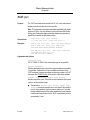
pspice [options] [input file(s)]
Where:
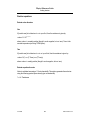
options
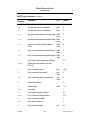
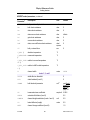
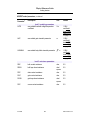
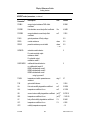
One or more of the options listed in Simulation command line options on
page 19. Options can be entered using the dash (-) or slash (/) separator.
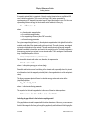
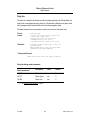
input file
Specifies the name of a circuit file for PSpice or PSpice A/D to simulate after it
starts. The input file can be a simulation file (.sim, .cir, .net), data files
(.dat), output files (.out), or any files (*.*). PSpice opens any files whose
extension PSpice does not recognize as a text file.
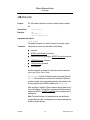
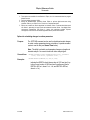
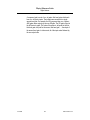
You can specify multiple input files, but if the output file or data file options are
specified, they apply only to the first specified input file.
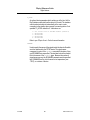
The input file name can include wildcard characters (* and ?), in which case all
file names matching the specification are simulated.
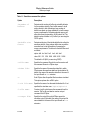
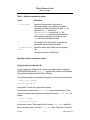
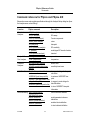
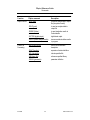
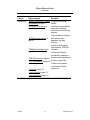
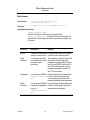
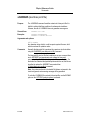
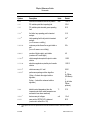
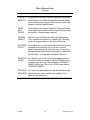
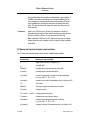
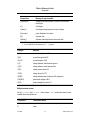
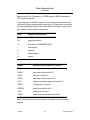
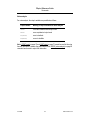
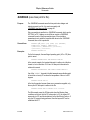
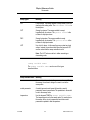
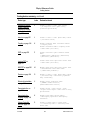
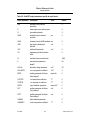
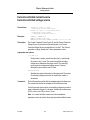
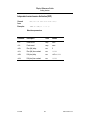
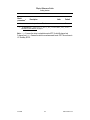
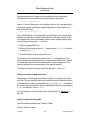
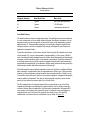
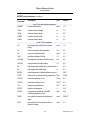
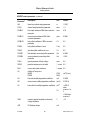
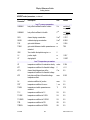
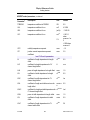
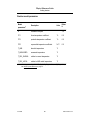
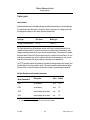
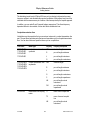
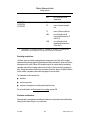
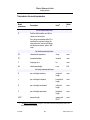
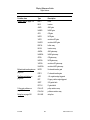
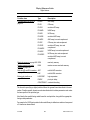
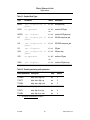
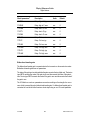
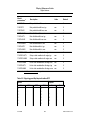
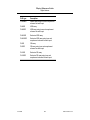
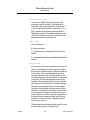
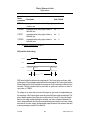
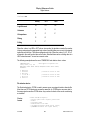
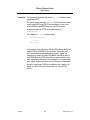
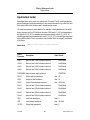
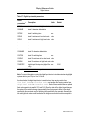
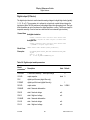
Table 1-1 Simulation command line options
Option
Description
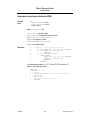
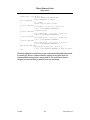
-bf<flush
interval>
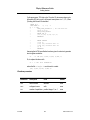
Determines how often (in minutes) the simulator will flush
the buffers of the waveform data file to disk. This is useful
when a long simulation is left running and the machine
crashes or is restarted. In this case, the data file will be
readable up to the last flush. The default is to flush every
10 minutes. The <flush interval> can be set between 0
and 1440 minutes. A value of zero means not to write
unless necessary.
June 2004
19
Product Version 10.2