1
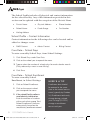
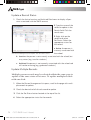
The School Settings > Core Data > School Enrollment settings.
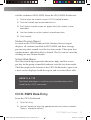
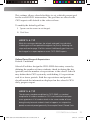
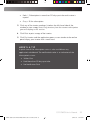
4. If the school/facility does not collect race/ethnicity information:
Enter the total enrollment
5. Click Save.
Applications - General
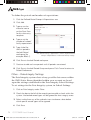
To enter or modify General Settings, in School Settings:
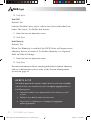
1. Click General.
2. Click anywhere within the row of the appropriate field to expand the menu.
3. Choose Yes to enable the identified feature.
4. Choose No to disable the feature.
5. Click Save.
6. Close School Settings by clicking on the red X icon in the upper right
corner of the screen.
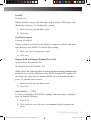
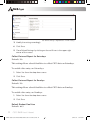
Start Month
Default: August
This setting sets which month is considered the start of the year
for reporting and decision-making purposes.
To modify the Start Month:
1. Select the appropriate month from the drop-down menu.
CICO-SWIS User’s Manual
CICO-SWIS Users Manual B&W with Color Screenshots.indd 19
19
8/24/2015 1:11:26 PM