1
BODi rS BD007 and BD004 User Manual
3 • Configuring LAN & WAN Interfaces
Configuring the WAN Interface
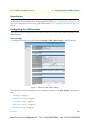
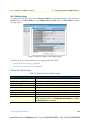
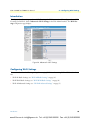
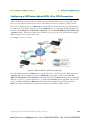
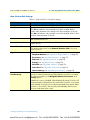
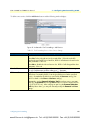
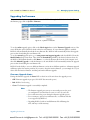
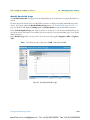
This section describes managing the WAN settings using the BODi rS Web Admin Interface. From the Dashboard, click on Network > WAN to reach the main WAN configuration page.
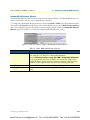
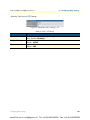
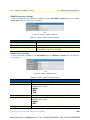
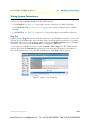
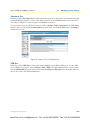
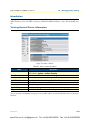
Figure 14. Network > WAN
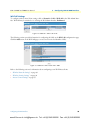
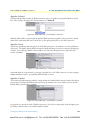
To reorder the priority list for different WANs, click on the desired WAN listing, hold the left mouse button
and drag it to the desired priority level in the list (the first one would be the highest priority, the second one
would be lower priority, etc...). Release the mouse button after moving the WAN listing.
To disable a particular WAN connection, click on the desired WAN listing, hold the left mouse button and
drag it to the DISABLED row. Release the mouse button after moving the WAN listing.
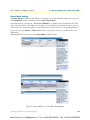
You can also manage priority settings through the Dashboard (refer to “Connecting to the Web Admin Interface” on page 28 for information).
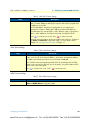
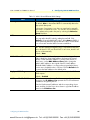
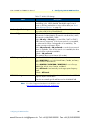
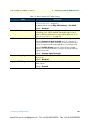
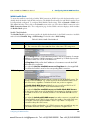
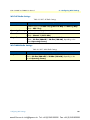
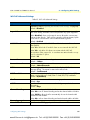
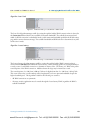
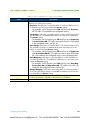
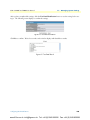
Click the Details button in the corresponding row of the WAN connection to modify the connection settings.
Note
Connection Details will be changed and effective immediately after
clicking the Save and Apply button.
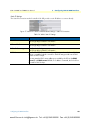
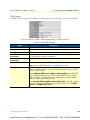
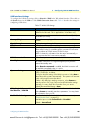
Refer to the following sections for configuring specific WAN settings:
• Ethernet WAN basic settings (see “Ethernet WAN Settings” on page 39)
• USB Devices (see “USB Interface Settings” on page 46)
• Wireless WAN (see “Wi-Fi WAN Settings” on page 48)
• WAN Status Monitoring (see “WAN Health Check” on page 51)
• Bandwidth Monitoring (see “Bandwidth Allowance Monitor” on page 53)
Configuring the WAN Interface
38
www.4Gon.co.uk info@4gon.co.uk Tel: +44 (0)1245 808295 Fax: +44 (0)1245 808299