1
Chapter 6: Devices
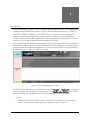
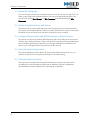
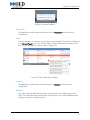
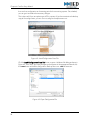
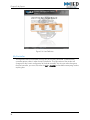
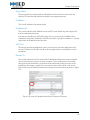
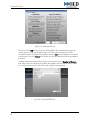
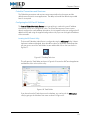
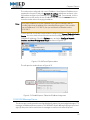
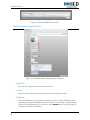
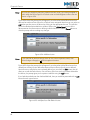
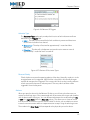
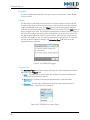
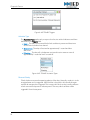
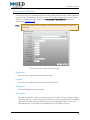
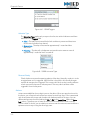
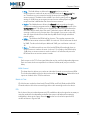
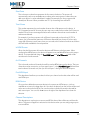
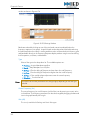
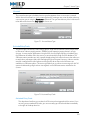
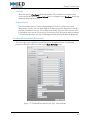
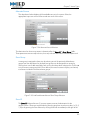
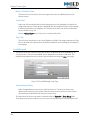
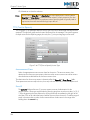
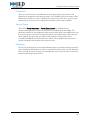
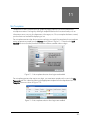
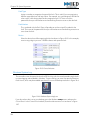
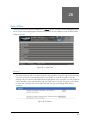
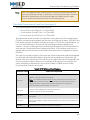
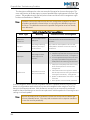
Figure 6-9: ASIControl in Start Menu
Changing the ASI Card IP Address
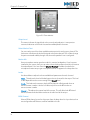
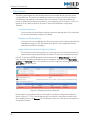
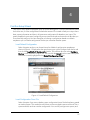
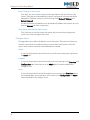
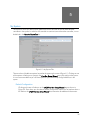
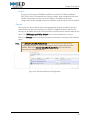
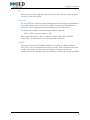
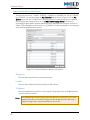
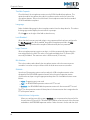
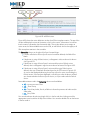
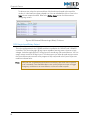
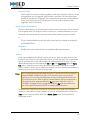
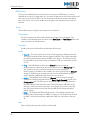
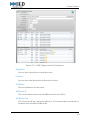
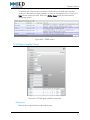
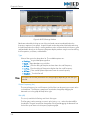
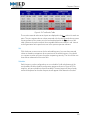
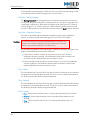
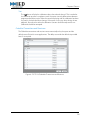
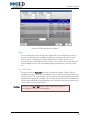
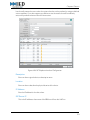
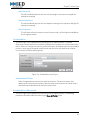
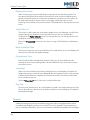
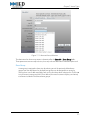
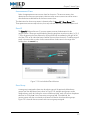
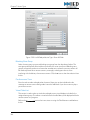
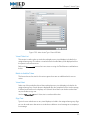
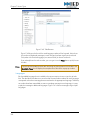
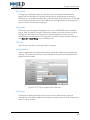
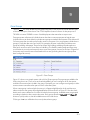
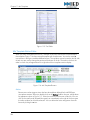
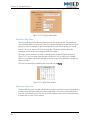
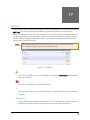
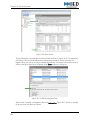
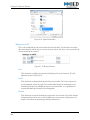
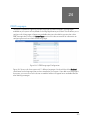
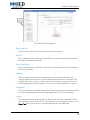
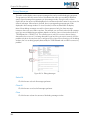
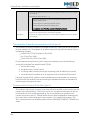
Once the ASIControl utility has started, you should see the device listed in the top part of
the window as shown in Figure 6-10. This list will display all CobraNet devices that are
on your network, but you will see the card listed with ASI5408 in the Name field.
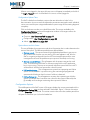
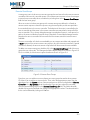
Figure 6-10: Change ASI IP Address
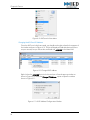
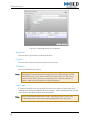
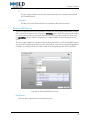
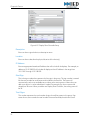
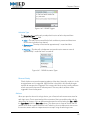
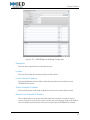
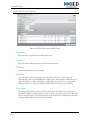
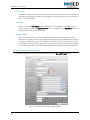
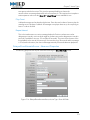
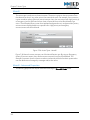
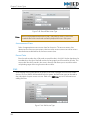
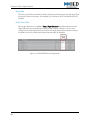
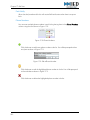
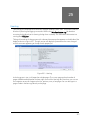
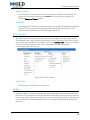
Right click on the ASI5408 device in the list and you will see the pop-up window as
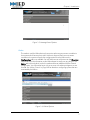
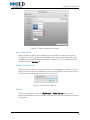
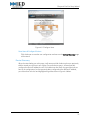
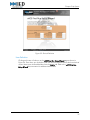
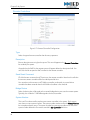
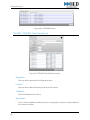
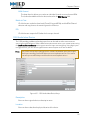
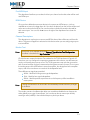
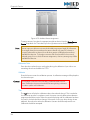
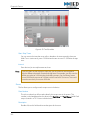
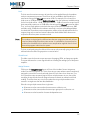
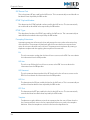
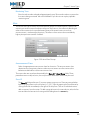
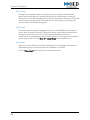
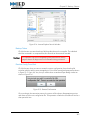
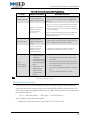
shown in Figure 6-10. Select the Change IP Address... option to open the window
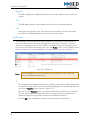
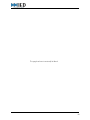
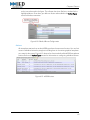
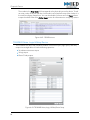
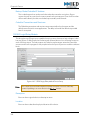
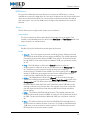
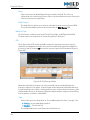
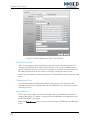
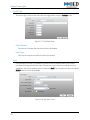
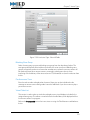
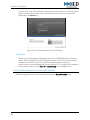
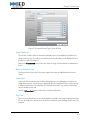
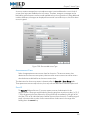
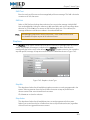
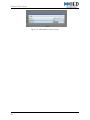
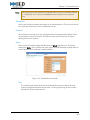
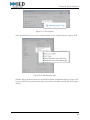
shown in Figure 6-11.
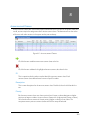
Figure 6-11: ASI IP Address Configuration Window
54