1
IDS-181A Series User’s Manual
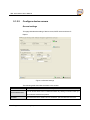
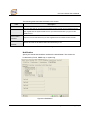
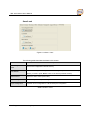
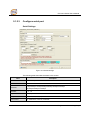
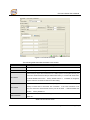
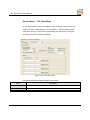
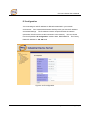
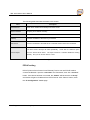
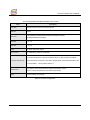
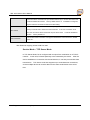
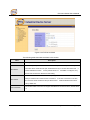
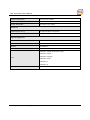
The following table describes the labels in this screen.
Label
Description
DHCP/BOOTP
Obtain the IP address automatically from DHCP server.
Static IP Address
Assigning an IP address manually.
Subnet Mask
Set the subnet mask to communicate on the network.
Gateway
Enter the IP address of the router in you network.
DNS Server
Enter the IP address of the DNS server to translate domain names into IP address.
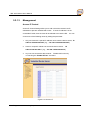
The device server will report its status periodically.
Auto IP Report
At DS-Tool->IP collection option
show the device server status. The report interval is 0 indicate disable this setting
(default). But you can set the other IP or Port.
Table 5-13 IP configuration
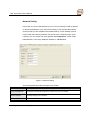
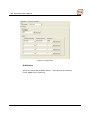
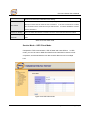
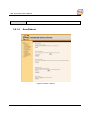
PPPoE setting
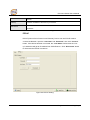
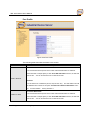
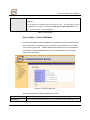
PPPoE (Point-to-Point Protocol over Ethernet), Device can use PPPoE mode to
connect the Network. Input the “username” and “Password”, then click “Connect”
button. If the device has been connected, the “Status” will become the “Link up”
and device will get an IP address from PPPoE server. Click “Return” button, return
the “IP Configuration” default page.
ORing Industrial Networking Corp
38.