1
Chapter 4: CosmosScope Menus Reference
File>New
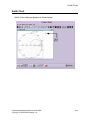
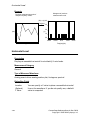
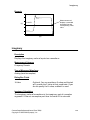
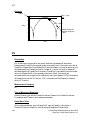
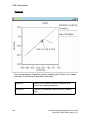
This option opens a new graph window formatted as an X-Y axis graph, a
Smith Chart graph, or a Polar Chart graph.
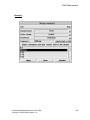
File>Open
This option allows you to open an existing plot file, graph, or outline using the
Open Files dialog box. Select the Files of Type from the pulldown list, and
browse to the location of the file you want to open.
File>Close
This option closes the active graph window or the current design.
File>Save
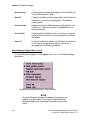
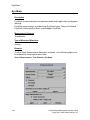
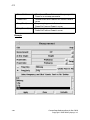
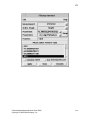
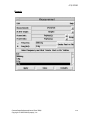
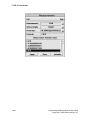
The Save Graph dialog box allows you to specify a path and file name. In
addition, a popup dialog box prompts you to save the graph file in one of the
following ways:
• With a copy of the waveforms in the graph.
• With a reference to the plot file from which the waveforms in the graph
were plotted.
In the first case, all connection to the plot file is lost. In the second case, the
connection to the plot is maintained. Thus, if the graph is reopened it can be
automatically updated due to any Replace or Append plot actions specified for
the plot file in an analysis.
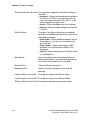
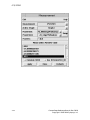
The Save Outline dialog box allows you to specify a path and file name for an
outline. In addition, a Graph Outline popup dialog box allows you to specify
several attributes for the saved outline. You can select whether or not to
maintain the connection to the plot file in the same way as for a graph outline.
You control this by checking (or unchecking) the Dependencies checkbutton on
the Graph Outline dialog box.
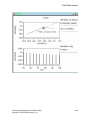
The File > Save > Plotfile (*.txt) menu choice allows you to save the selected
waveforms into a text file.
4-2
CosmosScope Reference Manual (Dec. 2004)
Copyright © 1985-2004 Synopsys, Inc.