1
Appendix B: Broadcasting configurations
The RevIntegrator for Imaging should be installed and configured on every Optos PC in your practice.
The latest version of the RevIntegrator for Imaging software can be downloaded from:
http://insight.revolutionehr.com/wp-content/uploads/RevIntegratorforImaging.msi
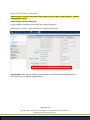
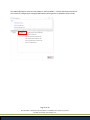
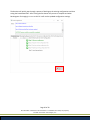
Once you have a single PC configured and integrated properly you can use that PC to broadcast out its
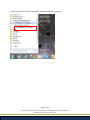
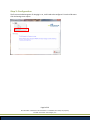
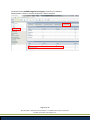
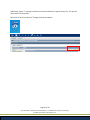
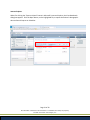
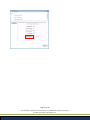
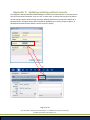
configurations to all other PCs. While logged into the first configured and running PC, click Settings and
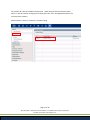
from the LAN Configs tab click the Broadcast Server button. This action begins broadcasting updates to
all “Receiver” PCs in your practice.
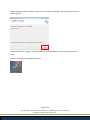
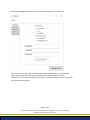
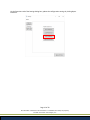
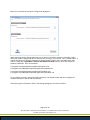
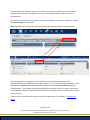
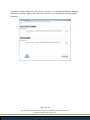
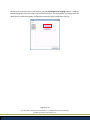
The LAN Configurations application will launch in “Broadcast Server” mode. That means this PC will
broadcast its settings to any PC, that’s connected to the same network, that’s running as a Receiver.
Page 22 of 29
All information contained in this document is confidential and solely the property
of Health Innovation Technologies, Inc.