1
•
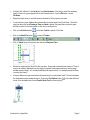
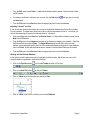
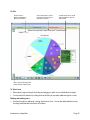
Click on the Add Field button
on the table Toolbar. To describe your newly added field, type
Name and then click the Check Mark .
•
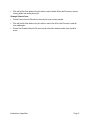
Click on the Add Field button
and then click the Check Mark
on the Plot toolbar. To describe your newly added field, type Hand
.
•
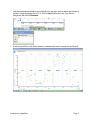
In the first cell of the Name field, type the name of the player who played that game. Then drag to
select the remaining cells that hold their additional trials. From the Edit menu, choose Fill>Down
•
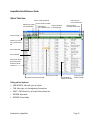
In the first cell of the Hand field type Dominant. Then drag to select the remaining cells for Game 1,
the game played with the dominant hand. From the Edit menu, choose Fill>Down.
Introduction to InspireData
Page 5