1
Functions
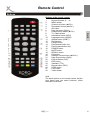
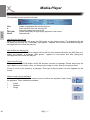
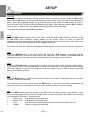
Important keys and functions
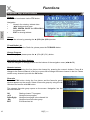
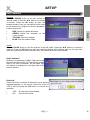
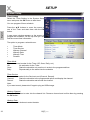
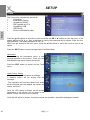
Program list
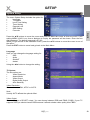
Retrieve the program list by pressing OK or CH.LIST button.
▲/▼
PgDn/PgUp
◄/►
OK
EXIT
Next/previous program
Next/previous page
Change to favourite list
Activating the chosen program
Exit the program list
English
Note:
TV and Radio list are very similar to handle.
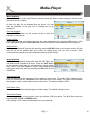
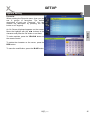
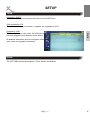
Subtitles
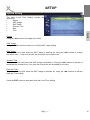
Pressing SUB-T enables subtitles. If subtitles are available for this program you can enable them
with OK
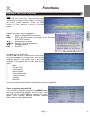
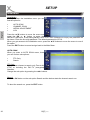
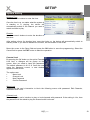
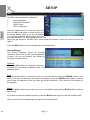
Audio settings of TV programs
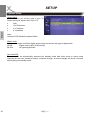
Access the audio settings by pressing AUDIO. Change language (only
certain programs), choose another audio track (if available) or choose
between the audio settings (◄ / ► channel, stereo)
Note:
Selecting AC-3 audio track will not work via SCART. When AC-3 is
selected the audio is put out via the coaxial output.
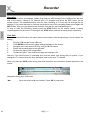
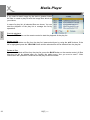
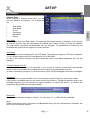
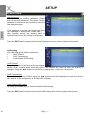
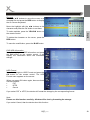
Information
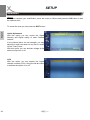
Pressing INFO shows a lot of information. By pressing the INFO button the first time the overview
shows up: TV program name, active TV programs, availability of teletext, etc.
Press the INFO button again and the device shows the information of the current TV channel about
frequency of the TV programs, bandwidth and signal quality.
HRT 7000
15