1
Module 1: Cascade Basics I – Getting Familiar
Logging in to Cascade
Open a browser and enter the following URL (or click this link):
http://mordac.itcs.northwestern.edu/
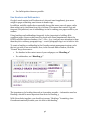
You will be redirected to the NU Online Passport Single Sign-On page.
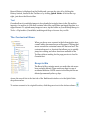
Enter your Net ID and password. Then press “Enter” or click “Log In.” Click
“Continue” if a security warning message pops up.
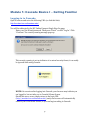
This security warning is not an indicator of an actual security threat; it can safely
be ignored while using Cascade.
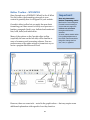
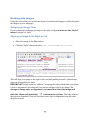
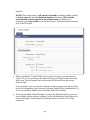
NOTE: On occasion after logging into Cascade, your browser may indicate you
are logged in, but not take you to Cascade’s Home Screen.
Should this error occur, simply return to the login URL
(http://mordac.itcs.northwestern.edu/) and your browser will automatically
redirect you to the Home Screen, so you can begin working in Cascade.
9