1
Treatment Instructions
Section 3
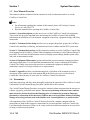
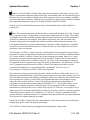
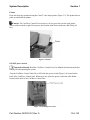
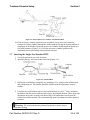
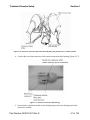
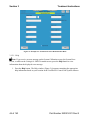
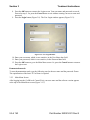
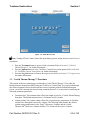
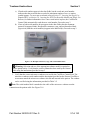
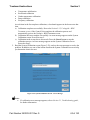
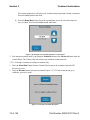
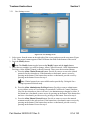
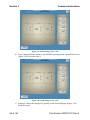
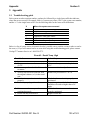
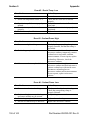
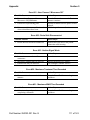
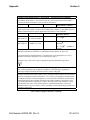
Figure 3-52. Example of a System Error screen - error message
3.6.2
Calibration errors
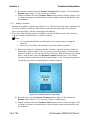
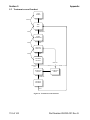
If an error occurs during the Control Unit calibration process, you will hear a single beep and an
error message will appear on the System Error screen or the System Calibration screen. Review the
following conditions:
• Microwave power will turn OFF if there is a calibration in progress.
• The error message will be saved to the event log.
• The keyboard will no longer function.
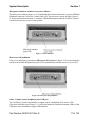
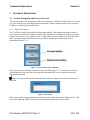
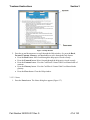
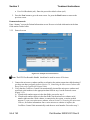
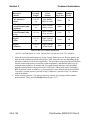
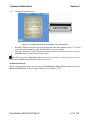
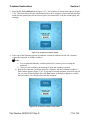
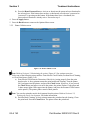
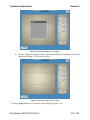
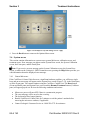
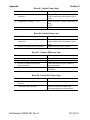
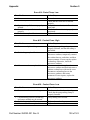
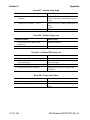
First, determine if the error message is on the System Error screen or the System Calibration screen
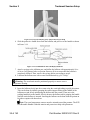
(Figure 3-53). Error messages on the System Error screen indicate a system or patient critical error.
You cannot continue using the CoolWave Control Unit: The Reset button will appear grayed out.
Contact Urologix Customer Service at 1-888-229-0772 for assistance.
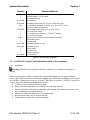
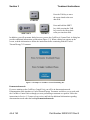
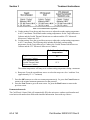
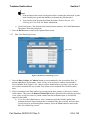
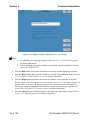
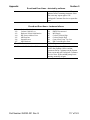
However, if the error message appears on the System Calibration screen, you will need to correct
the problem. In most cases, an error message appears because the CoolWave® Control Unit failed
to read or detect the microwave catheter temperature sensor, the rectal unit temperature sensors, the
microwave catheter antenna connection, or the coolant bag pressure during the calibration process.
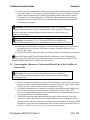
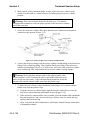
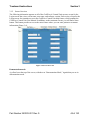
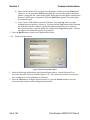
Normally, to correct the problem, you can readjust the appropriate connector to the device. Then,
press the Retry button to restart the calibration process. Ultimately, you should use the error
message to resolve any error condition. You can also refer to the actions listed on the System
Calibration screen to help you determine what to do next.
Part Number 250023-001 Rev G
89 of 143