1
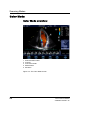
Scanning Modes
Gain, Frequency,
Focus, Dynamic
Range and Compression affect also
the 2D image.
3.
4.
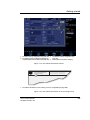
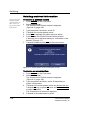
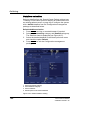
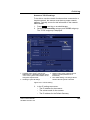
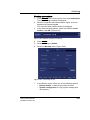
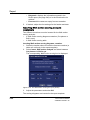
Adjust horizontal sweep, Gain, Frequency, Focus, Dynamic
Range, Compression and Contour to optimize the display if
necessary.
Press FREEZE to stop imaging.
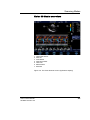
Conventional Color M-Mode
1.
2.
3.
4.
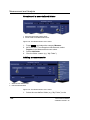
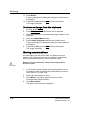
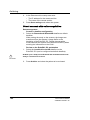
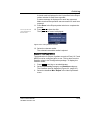
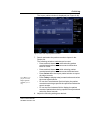
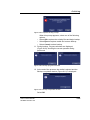
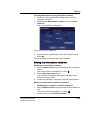
While in Color Mode press cursor on the control panel.
Use the trackball to position the cursor over the required
area of the image.
Press MM - the Color M-mode sweep will start to sweep.
Press FREEZE to stop imaging.
OR
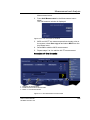
1. While in Color Mode press M on the control panel. The
Color M-mode sweep will start to sweep.
2. Use the trackball to position the cursor over the required
area of the image.
3. Adjust horizontal sweep, Gain, Frequency, Focus, Dynamic
Range, Compression and Contour to optimize the display if
necessary.
4. Press FREEZE to stop imaging.
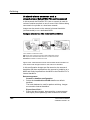
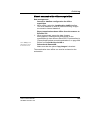
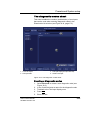
Anatomical M-Mode
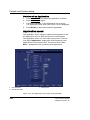
Anatomical
M-Mode can also
be used with previously acquired digitally stored 2D
images.
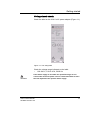
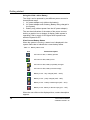
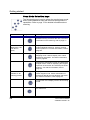
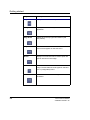
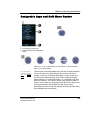
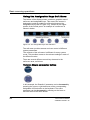
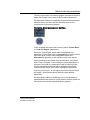
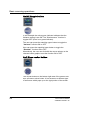
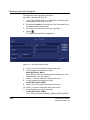
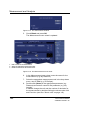
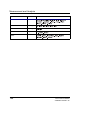
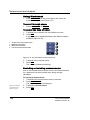
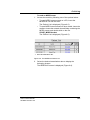
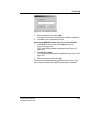
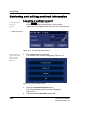
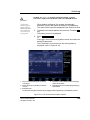
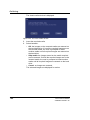
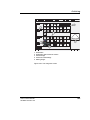
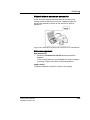
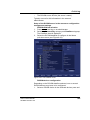
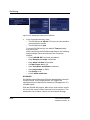
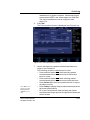
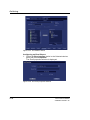
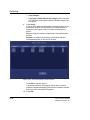
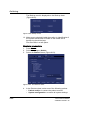
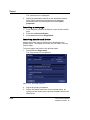
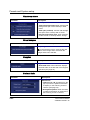
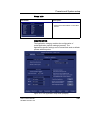
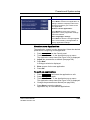
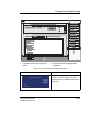
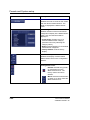
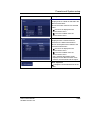
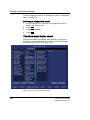
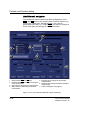
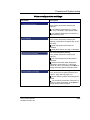
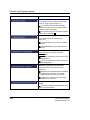
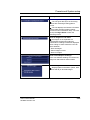
The Trackball assignable Pos (Position) is activated.
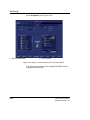
The Trackball assignable Angle is
activated.
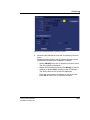
The Trackball assignable Pos is activated.
86
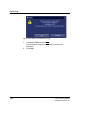
Anatomical M-Mode is only available for cardiac applications.
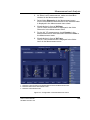
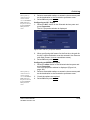
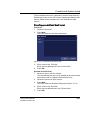
1. Enter live M-mode.
2. Press the assignable AMM soft key to enter Live
Anatomical M-mode. Continue to step 4 below.
OR
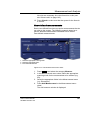
1. From the 2D Live, press FREEZE.
2. Press MM to access the Freeze Anatomical M-Mode.
3. Use the trackball to position the cursor over the required
area of the image.
4.
5.
6.
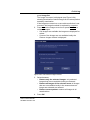
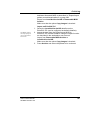
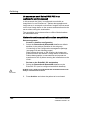
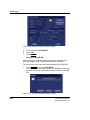
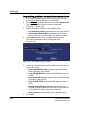
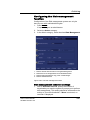
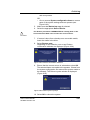
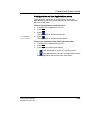
Press TRACKBALL to allow free rotation of the solid
full-length cursor line throughout the 2D image.
Rotate the solid cursor line to the desired direction.
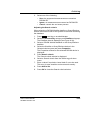
Press TRACKBALL twice and reposition the intersection
point to the desired position along the cursor line.
Vivid i User’s Manual
2378958-100 Rev. 02