1
Replay function
Replay a
session
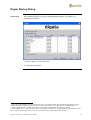
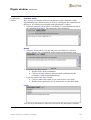
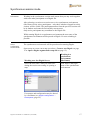
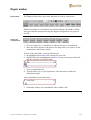
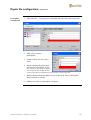
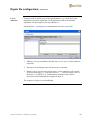
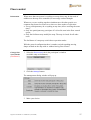
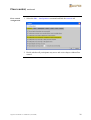
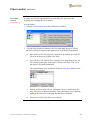
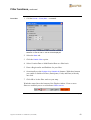
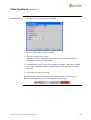
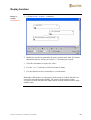
1. Call the Extras – Replay… command.
(Facilitator)
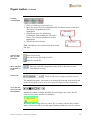
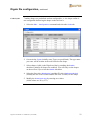
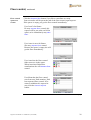
2. Modify the speed (recommended if replay contains more than 100 frames.
Maximum speed is 100 ms per frame (i.e. 10 frames per second).
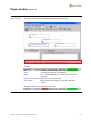
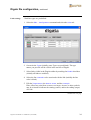
3. Click the start button to replay the “film”.
4. Use the -1 or +1 buttons to click from frame to frame.
5. Use the slide bar to move manually to a certain frame.
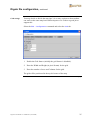
Remember: When there is a long pause in the replay it is likely that this was
caused by floor taking and releasing. The replay can be paused so that
everyone can look at a particular shape and its content considered more fully
with the class.
Digalo-Users-Manual-v2.1-040204.doc (04.02.2004)
46