1
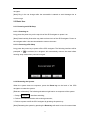
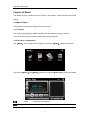
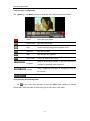
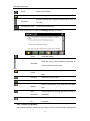
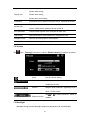
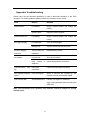
Date & Time setting includes system date setting, time setting and time zone setting.
6HWWLQJWKHV\VWHPGDWHDQGWLPH
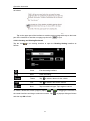
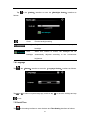
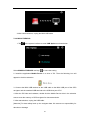
In the above interface, tap
or
to set the year, month, day, hour and minute.
[Note]: Time format options are 12-hour and 24-hour.
6HWWLQJWKHV\VWHPWLPH]RQH
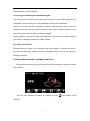
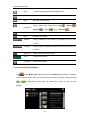
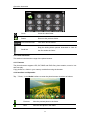
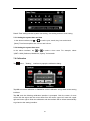
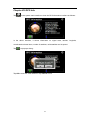
In the above interface, tap
or
to select a time zone. For example, select
³*07&DQEHUUD0HOERXUQH6\GQH\´IRU$XVWUDOLD
&DOLEUDWLRQ
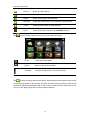
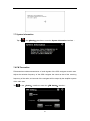
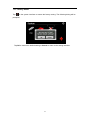
Tap
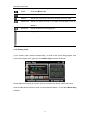
in the 「Setting」 interface to popup the calibration dialog :
Tap 2.to execute calibration or &DQFHOto cancel calibration and go back to the setting
interface.
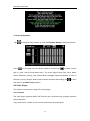
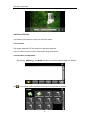
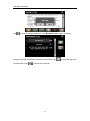
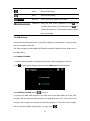
Tap 2., and the following calibration interface is prompted. Click the center of cross
cursor with the stylus and the cursor shifts from the center, upper left, lower left, upper
right and lower right to finish the calibration and the interface will be closed automatically
to go back to the setting interface.
26