1
User’s Manual
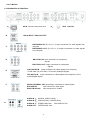
Pic.3
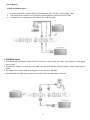
2. If the COM cable is connected, and the light in the top right corner is Green, which means a COM port is
open. If the light is Red, please click “Open port” below the light.
Note: the default port is COM1, if a new port is preferred, please click “CLOSE PORT” first, then choose the
new port and click “OPEN PORT”. The baud rate of this port is fixed at 9600, please leave it unchanged.
3. ID Setup for Each Panel
If each panel has been set an exclusive ID number, skip this step, please. If not, please follow the instructions
below. Once the ID has been set, it is not necessary to set again.
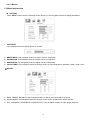
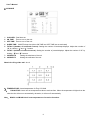
First, click “ID NO.” to log in “ID Set” menu. X refers to the abscissa of the unit. Y refers to the ordinate of the
unit.
Second, choose the correct number of X and Y according to the panel’s actual position, and click “OK”. Then an
ID number will be shown.
12