1
Chapter 3
Commissioning
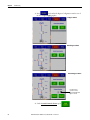
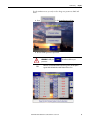
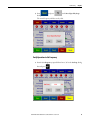
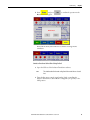
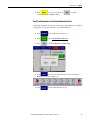
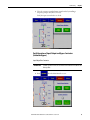
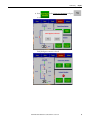
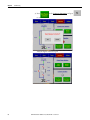
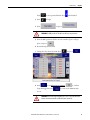
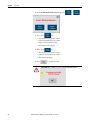
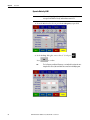
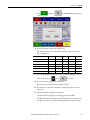
The Setup Login dialog box appears. Press
.
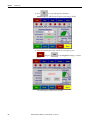
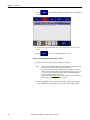
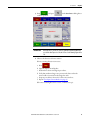
3. Enter the User and Password details.
Press
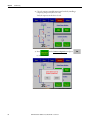
and enter “setup”. Press
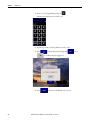
Press
to enter the password. Press
TIP
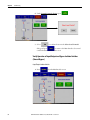
4. Press
when finished.
when finished.
The password will be sent by the Project Start-up Manager.
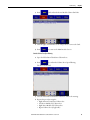
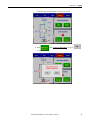
to login.
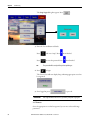
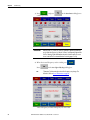
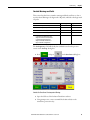
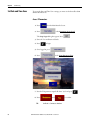
The Current User will now display Setup, indicating appropriate access has
been granted.
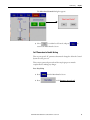
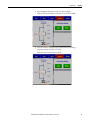
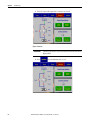
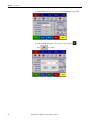
5. Once logged in, press
IMPORTANT
to proceed.
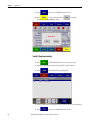
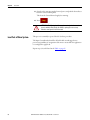
If the login information was incorrect, you will be prompted to login again.
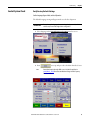
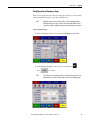
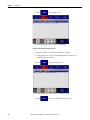
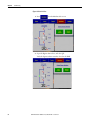
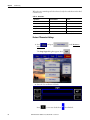
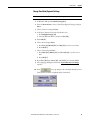
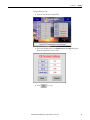
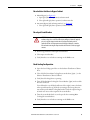
Set P Parameters
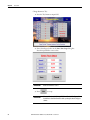
Once the appropriate access has been granted, you can now select and change
parameters.
38
Rockwell Automation Publication 6000-IN007A-EN-P - October 2014