1
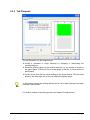
required size.
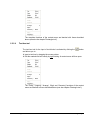
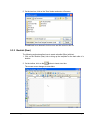
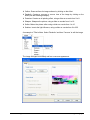
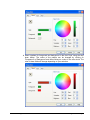
Show all changes in the region 'Example' before accepting the
input by clicking on the 'OK' button.
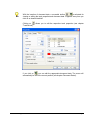
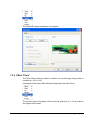
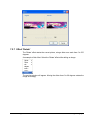
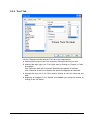
The tabs 'Pen', 'Brush', 'Text' and the expression 'Graphic text'
are described in detail in the chapter 'Editing Artistic Text'.
2.2.2.6
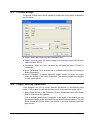
Tracklist tool
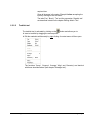
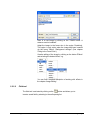
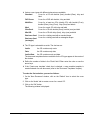
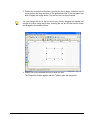
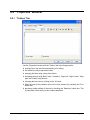
The tracklist tool is activated by clicking on the
button and allows you to:
Insert a tracklist by dragging the mouse pointer.
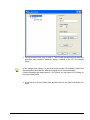
Edit the marked tracklist exactly by right clicking. A context menu will then open.
The functions 'Group', 'Ungroup', 'Arrange', 'Align' and 'Geometry' are identical
with those described above (see chapter 'Rectangle tool').
Nero Cover Designer
Informationen on Cover Designer • 18