1
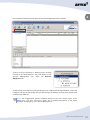
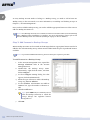
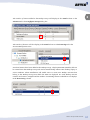
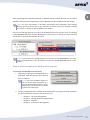
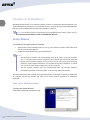
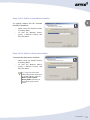
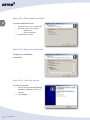
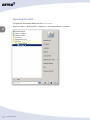
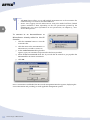
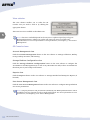
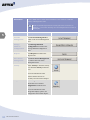
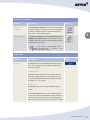
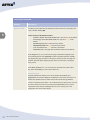
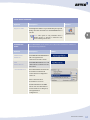
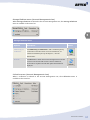
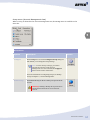
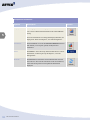
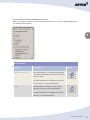
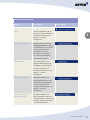
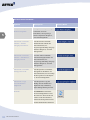
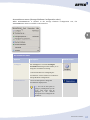
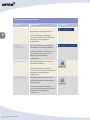
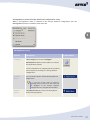
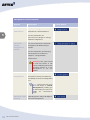
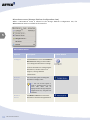
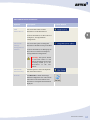
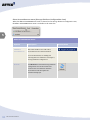
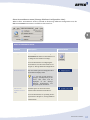
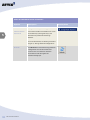
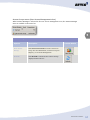
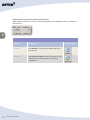
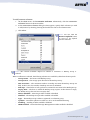
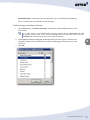
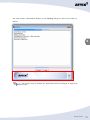
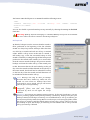
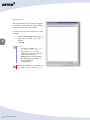
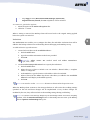
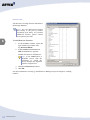
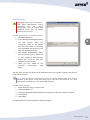
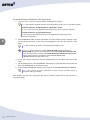
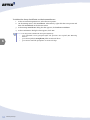
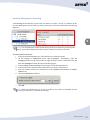
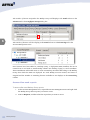
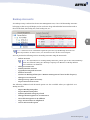
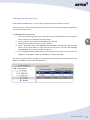
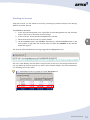
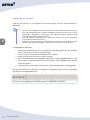
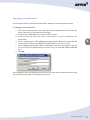
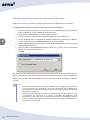
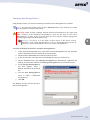
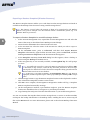
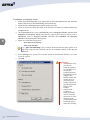
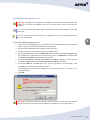
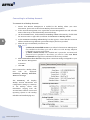
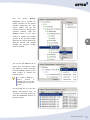
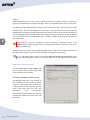
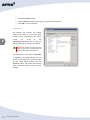
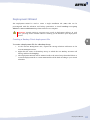
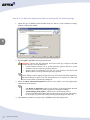
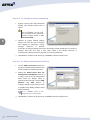
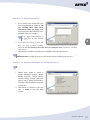
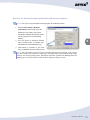
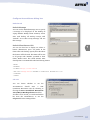
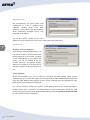
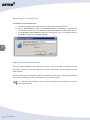
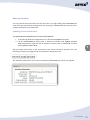
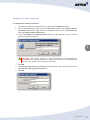
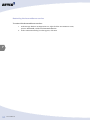
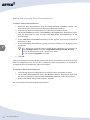
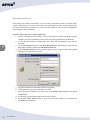
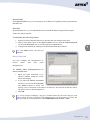
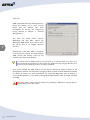
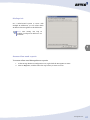
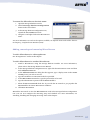
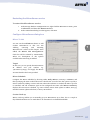
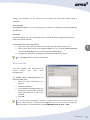
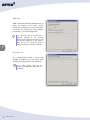
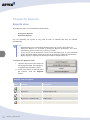
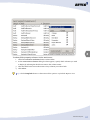
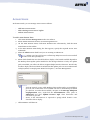
To modify the properties of an existing user: 1. Select Access Users in the User Access Management tree. 2. Select a user and click the Configure button on the toolbar. Alternatively, right-click a user and click Configure. 3. In the User properties dialog box that appears, modify the information as required, and then click OK. Notes: The Member Of tab enables you to add the user to an Access Group. Groups may also be added or removed from this tab. The Deployment tab allows you to specify which brands the user can deploy. This requires access to the LicenceServer. 9 To delete a user: 1. Select Access Users in the User Access Management tree. 2. Select the user name in the right-hand pane. 3. On the User Access menu, click Delete Access User. Alternatively, click Delete User on the toolbar 4. In the confirmation dialog box that appears, click Yes. 225 Access Users