1
Chapter 3 Program Tools
25
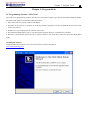
Writing Program to smart relay
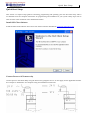
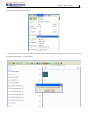
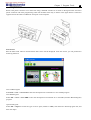
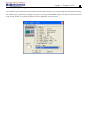
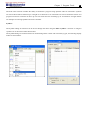
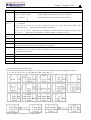
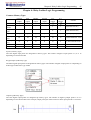
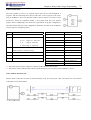
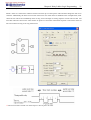
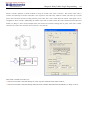
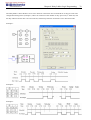
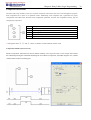
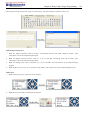
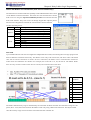
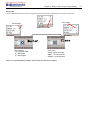
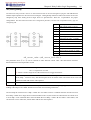
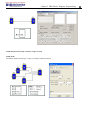
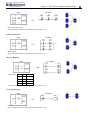
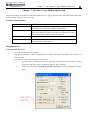
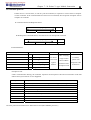
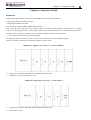
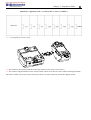
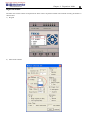
From the Operation menu, select the Write function and write the program to the connected smart relay as shown
below, or press Write button to write program to connected smart relay as shown below.
Operation menu
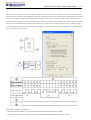
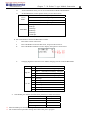
The Operation menu, includes several system configuration functions for both online and offline setup. The following
explains the details of each function.
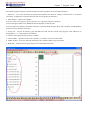
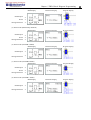
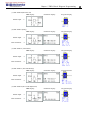
Monitor – Online function for runtime monitor and editing when connected to a controller
Simulator – Offline function for testing and debugging a program.
Simulator Control – Self-motion simulator control
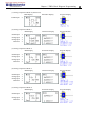
Run-Stop-Quit – Mode change selections for both runtime editing and simulation mode.
Read-Write – Reading and writing programs to and from a connected SG2 smart relay.
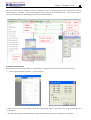
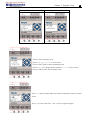
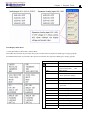
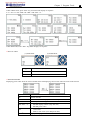
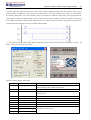
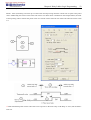
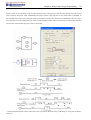
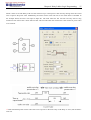
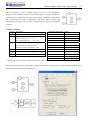
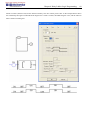
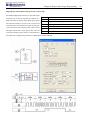
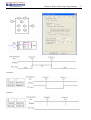
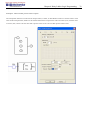
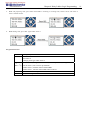
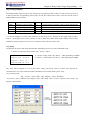
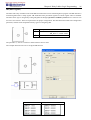
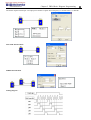
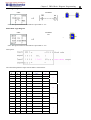
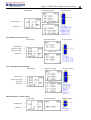
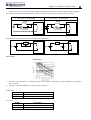
RTC Set – Online function for setup of the Real-time clock/calendar (see dialog below left)
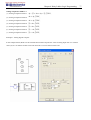
Analog Set – setup analog input A01-A08 gain and offset (see dialog below right)
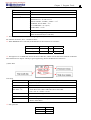
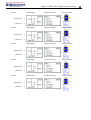
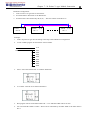
Password – Set a password for accessing the current program after upload to the smart relay
Language – Change SG2 smart relay menu language
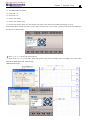
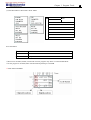
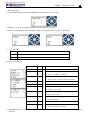
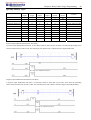
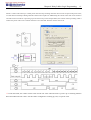
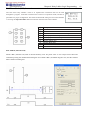
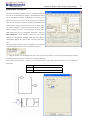
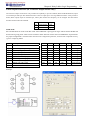
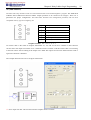
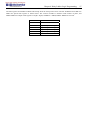
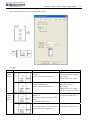
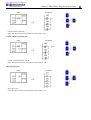
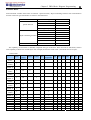
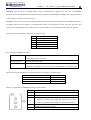
Module System Set – Dialog for changing important system setup functions including Module ID,
Remote I/O preferences, Expansion I/O settings, and Retentive memory preferences (Keeping) for (C) Counters, (M)
Auxiliary Coils, and (Z) keypad input set and the LCD Backlight.
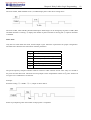
Link Com Port – Select the port communication with SG2 smart relay.