1
ECD-1000 Product Manual
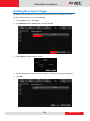
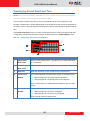
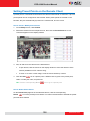
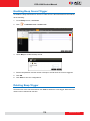
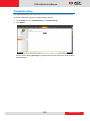
Enabling Beep Sound Trigger
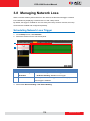
To enable the beep sound when a camera is disconnected from the network or when an
encoder loses its video source, do the following:
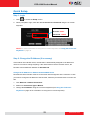
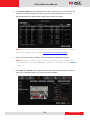
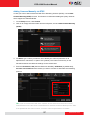
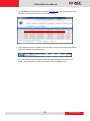
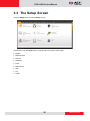
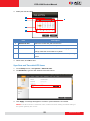
1. On the Setup screen, click Event.
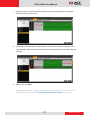
2. Click Network Loss or Video Loss, and then click Set.
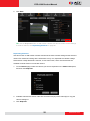
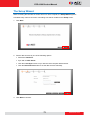
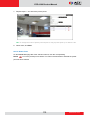
3. Check Beep to enable the beep sound.
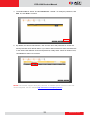
4. Set the beep duration and the number of beeps to sound when the event is triggered.
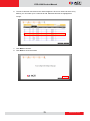
5. Click OK.
65
www.acti.com