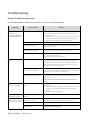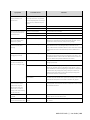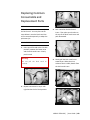
1
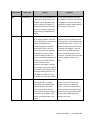
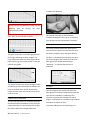
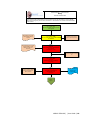
is “ON” so that the electromechanical
mechanism allows the baby to be locked
into place.
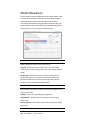
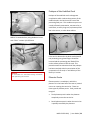
LOADING A LABOR SCENARIO
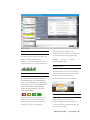
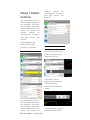
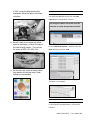
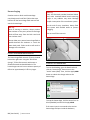
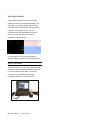
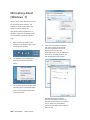
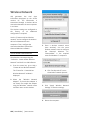
Several prebuilt labor scenarios are included in
the Quick Start NOELLE Profile. Click the Load
Labor button to load a labor scenario.
Tip: Navigate to Menu> File>Profile from the
menu bar to quickly change between profiles.
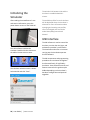
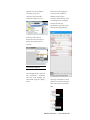
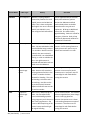
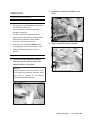
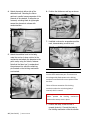
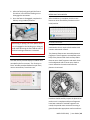
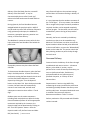
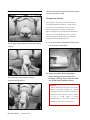
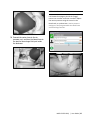
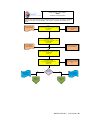
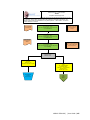
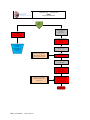
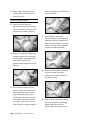
2. Once the baby is connected and locked
onto the mechanism, position the baby to
its initial birthing position. The user has
the choice of ROP, LOP, ROA, LOA.
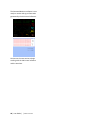
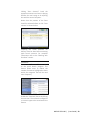
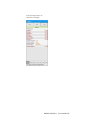
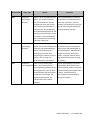
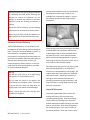
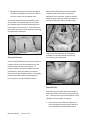
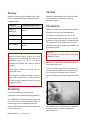
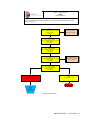
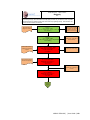
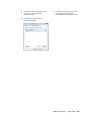
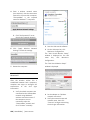
On the Load Labor Scenario… window, select the
Alice labor from and click Load.
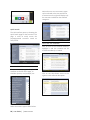
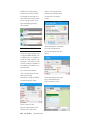
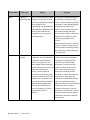
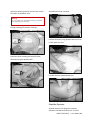
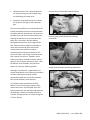
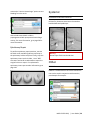
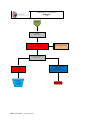
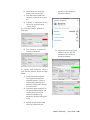
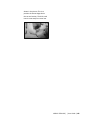
3. On the labor tab, select the fetal position
that matches the birthing baby’s initial
position on the simulator.
The labor is now loaded.
STARTING THE LABOR SCENARIO
Before starting the labor, increase the labor speed
to complete the simulated labor in a fraction of
the time.
NOELLE S554.100 | | User Guide | 47