1
2-4 Selecting the Language
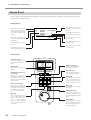
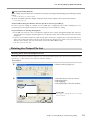
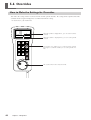
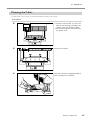
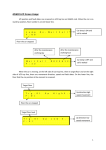
Selecting the Language Used for Text on the Handy Panel
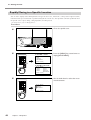
Select the language to use for text displayed on the handy panel.
Procedure
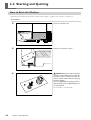
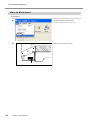
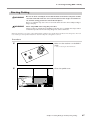
➊
While holding down the [MENU] key,
turn on the power switch.
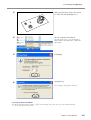
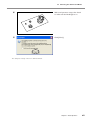
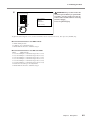
➋
➀ Turn the hand wheel to select the language.
➁ Press the [ENTER] key.
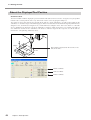
➌
Switch off the power switch.
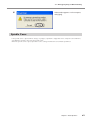
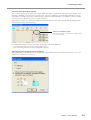
WARNING
Be sure to turn off the power switch here.
Pressing the [ENTER] key a second time starts (initializes) the machine. Be sure to switch
off the power until you are familiar with the operation of the machine.
Chapter 2 Emplacement and Installation
39