1
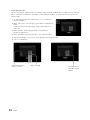
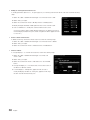
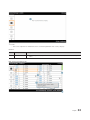
Edit Channel Name
• Channel Manager > Browser > Tools > Edit Channel Name
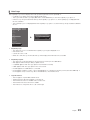
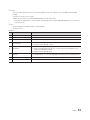
Key Guide
Button
Action
Nav. Help
GREEN
Saves the changes and returns to the Channel Manager.
Done
ENTER
Saves the channel name and moves the cursor to the next field.
Enter
RETURN
Cancels and returns to the previous screen (Tools).
Return
▲/▼/◄/►
Navigates on the keyboard.
Move
0~9
Enters a digit.
(No Guide)
INFO
N/R
N/R
TOOLS
Closes the current window and displays the ‘Tools’ menu.
(No Guide)
EXIT
Cancels and returns to the previous step (Factory Mode).
(No Guide)
✎✎Notes
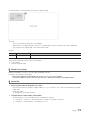
xx This is the definition of the keypad that is used for the Edit Channel Name function.
✎✎Etc.
xx Timeout (60 sec)
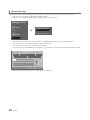
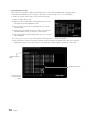
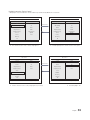
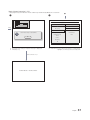
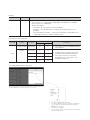
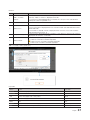
Elements
No
Name
1
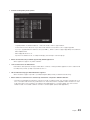
Channel Name Edit Window
Description
2
Channel Name
yy The cursor and the character that are currently being entered are in the color
of the highlight.
yy When the maximum number of characters is reached, the cursor is not
displayed.
3
Keyboard
yy For a detailed scenario, refer to the keypad design document.
English
71