1
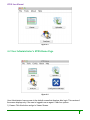
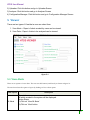
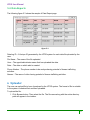
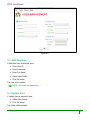
HTDS User Manual Figure 9.1 9.1 Add New User If Add New User is selected, then: Enter User ID Enter Password Enter Full Name Select User Profile Click OK button The new user is added. NOTE: All fields are mandatory. 9.2 Update User If Update User is selected, then: Select User Name Click OK button The fields will be updated. 19