1
15. Music And Movie:
15.1 Music
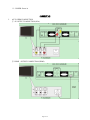
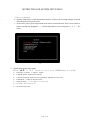
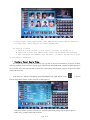
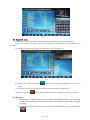
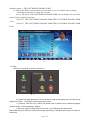
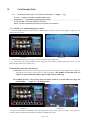
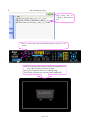
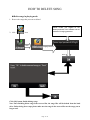
a. Click the icon of [Pic In Pic], at the bottom right corner display the icon
, click this button, Pop up a
hidden function bar at the right of the screen, as shown in Picture15-1
15-1
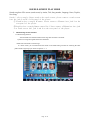
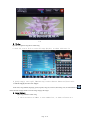
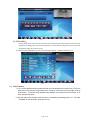
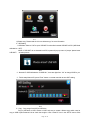
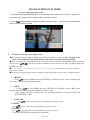
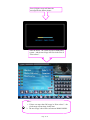
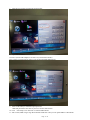
b. Click the button of [Music] in the hidden function bar, pop-up music song list, as shown in
Picture15-2.
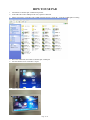
b.1 In the root directory of hard disk, create a folder named “Music”.
b.2 Copy the mp3 files to the folder “Music”
The format of music file:MP3
15-2
15.2 Movie:
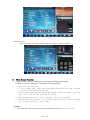
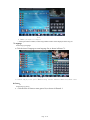
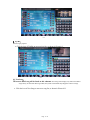
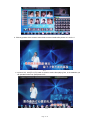
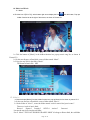
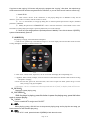
a. Click the button [Movie] from the hidden function bar, pop-up Movie list. As shown in picture 15-3".
b. In the root directory of hard disk, create a folder named “Movie”.
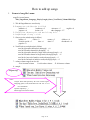
b.1 In the folder of “movie”, create sub folder named “code for movie kind_movie name”.
There are 6 code of movie kind:
Horror: 1
Drama:2
Comedy:3
SCI-FI:4
Action:5
Cartoon:6
Last put the movie file into the sub folder.
For ex. Movie” THE LOST WORLD JURASSIC PARK” it belongs to Horror kind, the sub folder
Page: 22/ 39