1
CardioDynamics International Corporation
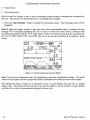
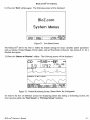
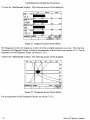
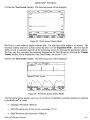
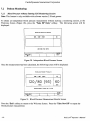
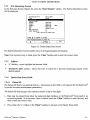
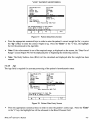
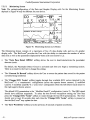
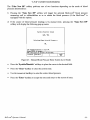
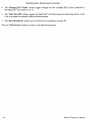
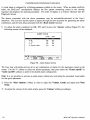
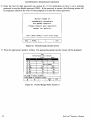
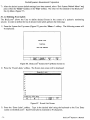
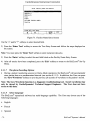
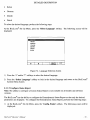
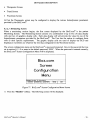
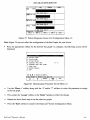
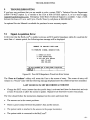
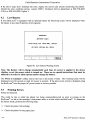
The BioZ.com® will display the patient Monitoring Screen in the appropriate screen configuration set
by the User during that particular patient monitoring session.
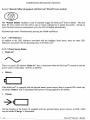
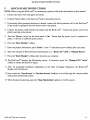
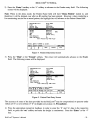
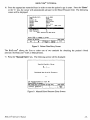
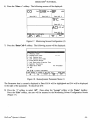
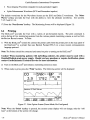
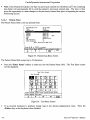
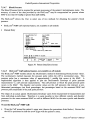
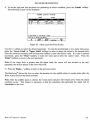
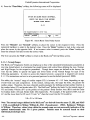
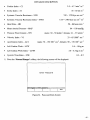
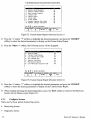
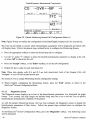
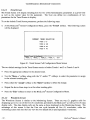
3) Press the 'Next Screen' or 'Previous Screen' hardkeys to scroll through the patient monitoring
screens.
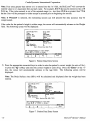
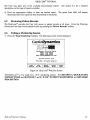
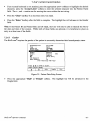
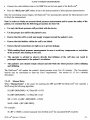
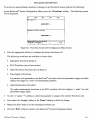
4) Press the 'Next Data Set' or 'Previous Data Set' softkeys to access other recorded data sets for
the selected patient.
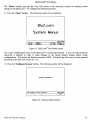
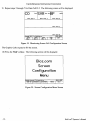
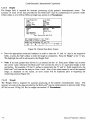
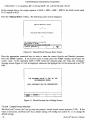
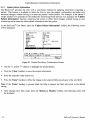
5) Press the 'Exit' softkey three (3) times to return to the patient Monitoring Screen.
- 88 -
Bioz'com® Operator's Manual