1
5 Battery Management
The GES3S is equipped with high quality Li-Ion cells battery.
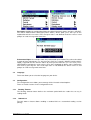
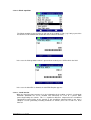
Battery logo
5.1
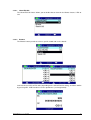
Battery level indicator
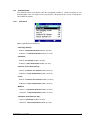
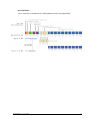
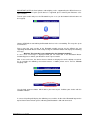
The battery level is shown by five bars on the battery logo. Please note that when one red bar is
left, the battery level is less than 20% of the full charge.
5.2
How to recharge the battery
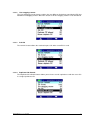
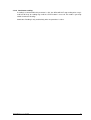
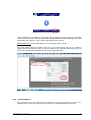
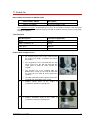
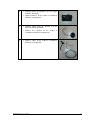
In order to recharge the battery simply plug the USB cable into the corresponding connector on
the bottom of the reader and connect it to a PC or a wall mount adapter with USB plug.
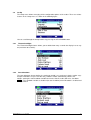
Once the cable has been plugged in, the GES3S charges the battery in a few hours.
GES3S Manual – v. 1.7 July 2015
33