1
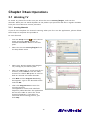
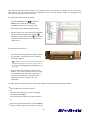
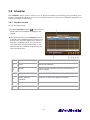
Chapter 4 Advanced Operations 4.1 TV Settings 4.1.1 Scanning Channels If you do not want to miss any channels, you can also use All Frequencies Scan. (A) For Analog TV 1.
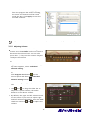
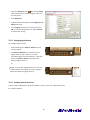
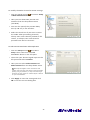
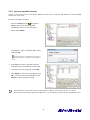
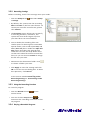
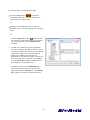
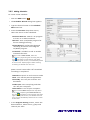
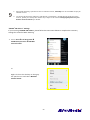
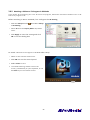
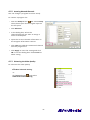
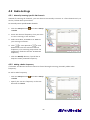
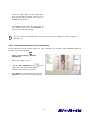
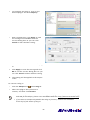
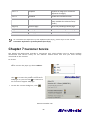
Click the Setup button and select Setup. Then choose an available AVerMedia device in the left pane. 2.
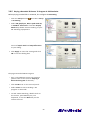
Then select your desired signal input (Analog TV, Digital TV). 3.
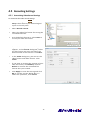
Click Advance. 4.
Click All Frequencies Scan. 5.
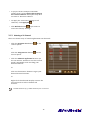
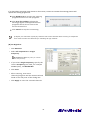
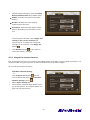
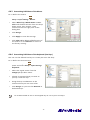
When a warning message appears, click Yes to continue or click No to cancel. 6.
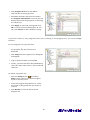
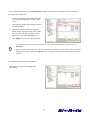
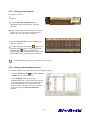
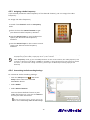
After scanning, new active channels will be memorized and listed in the left pane of the dialog box. 7.
Click Apply to save the scanned channels.
8.
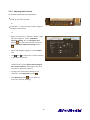
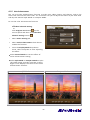
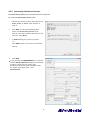
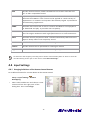
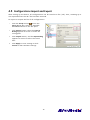
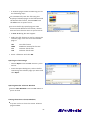
Here you can modify the channel name, and select the video and audio system. To revert to the factory setting, click Default. 9.
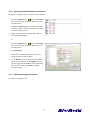
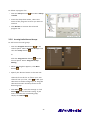
To add a channel to the program list, click Insert. 60