1
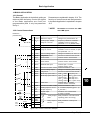
Local/Remote Control Application
1. 9
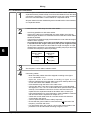
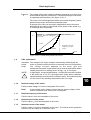
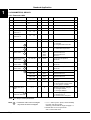
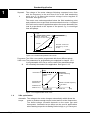
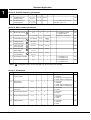
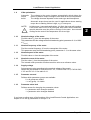
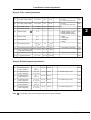
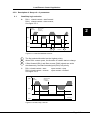
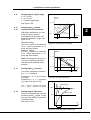
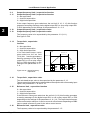
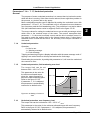
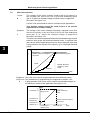
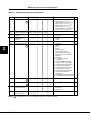
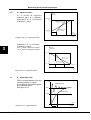
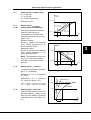
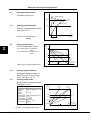
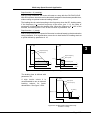
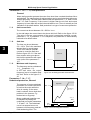
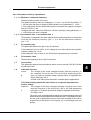
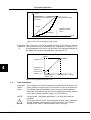
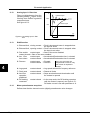
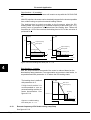
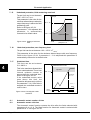
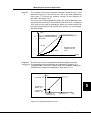
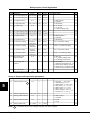
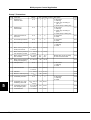
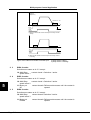
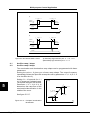
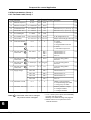
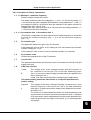
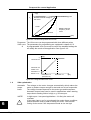
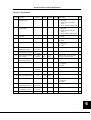
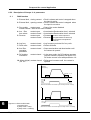
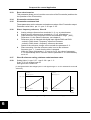
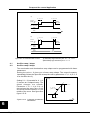
V/Hz optimization
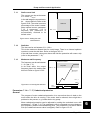
Automatic
torque
boost
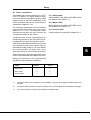
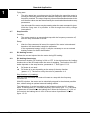
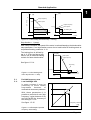
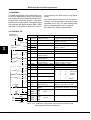
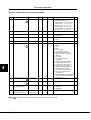
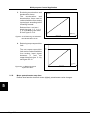
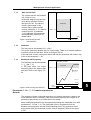
The voltage to the motor changes automatically which allows the
motor to produce torque enough to start and run at low frequencies.
The voltage increase depends on the motor type and horsepower.
Automatic torque boost can be used in applications where starting
torque due to starting friction is high, e.g. in conveyors.
NOTE!
!
1. 10
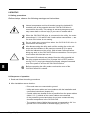
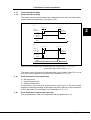
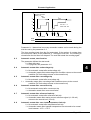
In high torque - low speed applications - it is likely the motor will overheat.
If the motor has to run for a prolonged time under these conditions,
special attention must be paid to cooling of the motor. Use external
cooling for the motor if the temperature rise is too high.
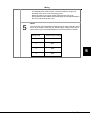
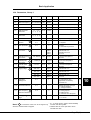
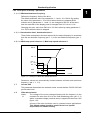
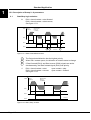
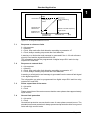
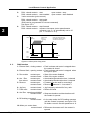
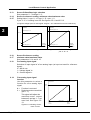
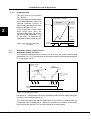
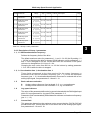
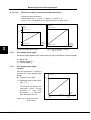
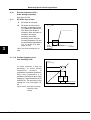
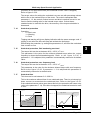
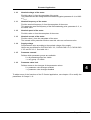
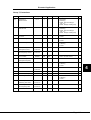
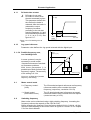
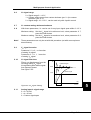
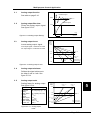
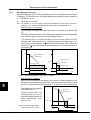
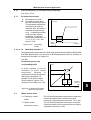
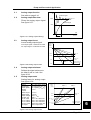
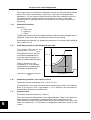
Nominal voltage of the motor
Find this value Vn from the nameplate of the motor.
This parameter sets the voltage at the field weakening point, parameter 6. 4, to 100%
x Vnmotor.
1. 11
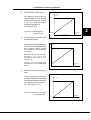
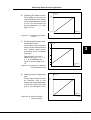
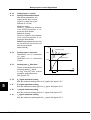
Nominal frequency of the motor
Find the nominal frequency fn from the nameplate of the motor.
This parameter sets the field weakening point, parameter 6. 3, to the same value.
1. 12
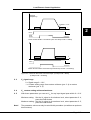
Nominal speed of the motor
Find this value nn from the nameplate of the motor.
1. 13
Nominal current of the motor
Find the value In from the nameplate of the motor.
The internal motor protection function uses this value as a reference value.
1. 14
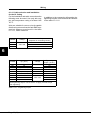
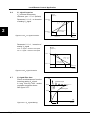
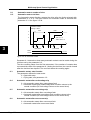
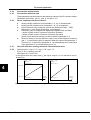
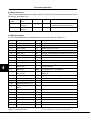
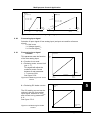
Supply voltage
Set parameter value according to the nominal voltage of the supply.
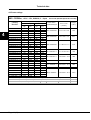
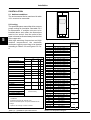
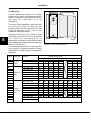
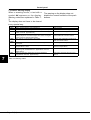
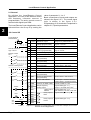
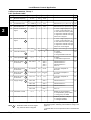
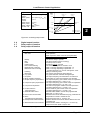
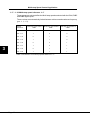
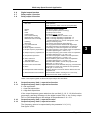
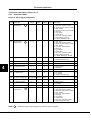
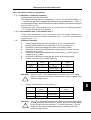
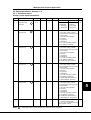
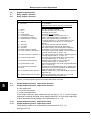
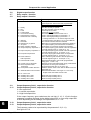
Values are pre-defined for CX/CXL/CXS V 3 2, CX/CXL/CXS V 3 4, CX/CXL/CXS
V 3 5 and CX V 3 6. See table 2.4-1.
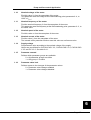
1. 15
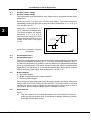
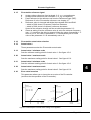
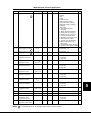
Parameter conceal
Defines which parameter groups are available:
0 = all groups are visible
1 = only group 1 is visible
1. 16
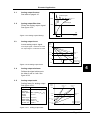
Parameter value lock
Defines access for changing the parameter values:
0 = parameter value changes enabled
1 = parameter value changes disabled
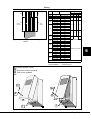
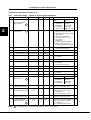
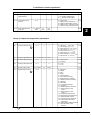
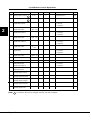
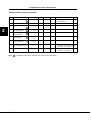
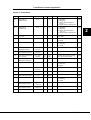
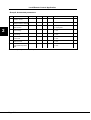
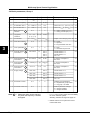
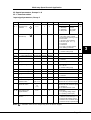
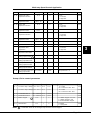
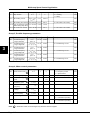
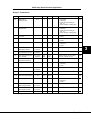
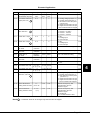
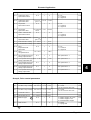
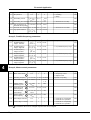
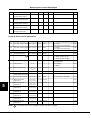
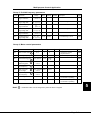
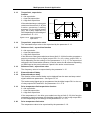
If you have to adjust more of the functions of the Local/Remote Control Application, see
chapter 2.5 to set up parameters of Groups 2—8.
Page 2-7
2