1
Florida Courts E-Filing Portal
E-Filer Manual
Adding Documents – Appellate Court
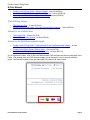
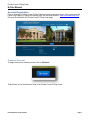
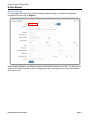
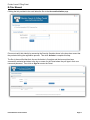
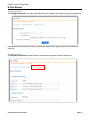
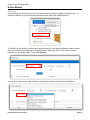
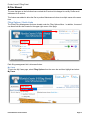
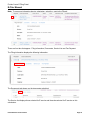
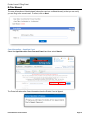
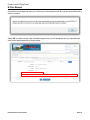
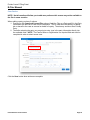
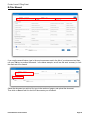
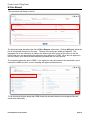
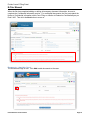
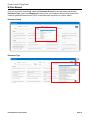
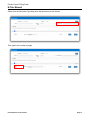
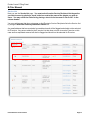
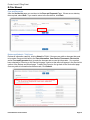
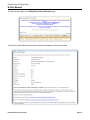
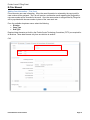
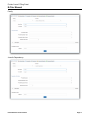
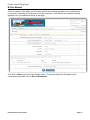
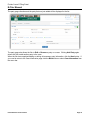
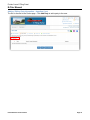
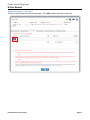
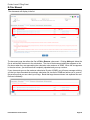
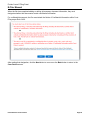
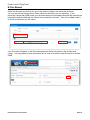
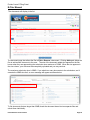
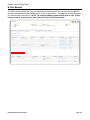
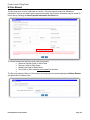
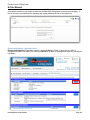
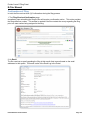
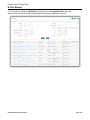
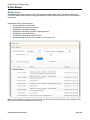
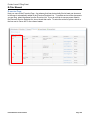
The Documents Page is next. Click Add to add documents to the case.
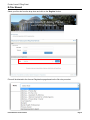
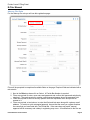
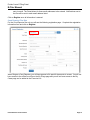
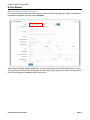
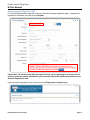
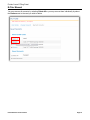
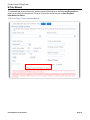
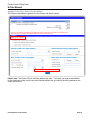
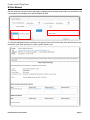
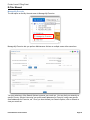
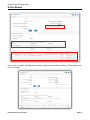
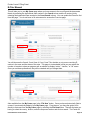
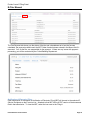
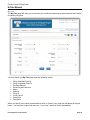
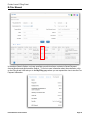
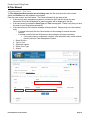
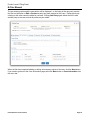
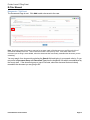
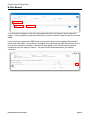
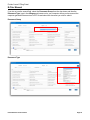
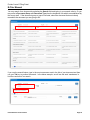
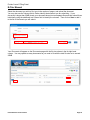
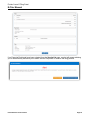
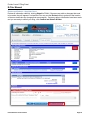
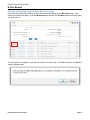
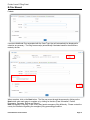
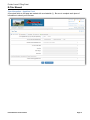
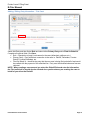
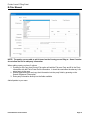
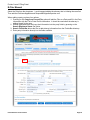
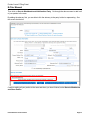
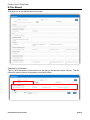
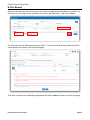
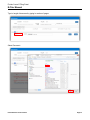
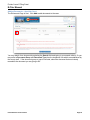
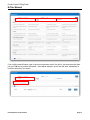
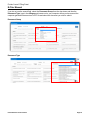
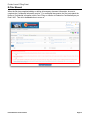
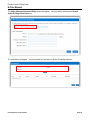
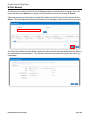
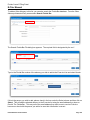
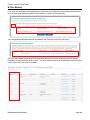
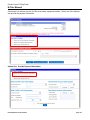
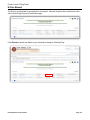
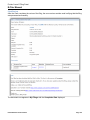
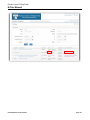
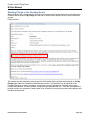
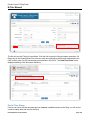
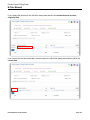
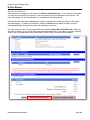
You may search for a document by selecting the Search field and typing in your search criteria. Or you
may select a Document Group and Document Type from the dropdown lists which are established by
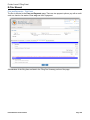
the county staff. If the document group or type is not listed, select the document that most closely
resembles the document you are going to file.
E-Filer Manual version 2015.01
Page 90